Last week, I wrote about HACS, the Home Assistant Community Store, which allows many additional community-provided integrations to be installed into Home Assistant. This week, I’m going to list those that I use.
DVLA Vehicle Enquiry Service
The DVLA Vehicle Enquiry Service allows you to monitor the publicly-available data about any UK car. When you set up the integration, you input a registration number, and it’ll download the data from the DVLA’s database. This includes useful information like when the car’s MOT is due, or when the car tax expires – these can be automatically added to a calendar widget on your Home Assistant dashboard.
HASS Agent
The HASS Agent integration allows you to use HASS Agent, a Windows desktop utility for managing Home Assistant. Once set up, you can configure automations to shut down your Windows computer, receive notifications, or monitor its state.
Nest Protect
We have a Nest Protect smart smoke alarm, which isn’t supported by the built-in Nest integration in Home Assistant. Google hasn’t made a public API for it, and so to integrate it with Home Assistant, you need to use this HACS integration. This is a good example of why an integration is in HACS and not Home Assistant core; setting it up requires you to log in to your Nest account in a private window, and then use Google Chrome’s developer tools to essentially ‘steal’ the cookies so that Home Assistant can hijack the same browser session.
Google has talked about adding the Nest Protect to its Google Home app for years, meaning that the standalone Nest app can be retired. But it hasn’t happened yet. When it does, perhaps there will be a proper API, and this will be available in Home Assistant core.
Timer Bar Card
This is a new card for your dashboard, which creates a progress bar for sensors that have a countdown. I use this for our Bosch dishwasher, so that as well as showing how long it has left, it shows visually how complete the washing cycle is.
Meross LAN
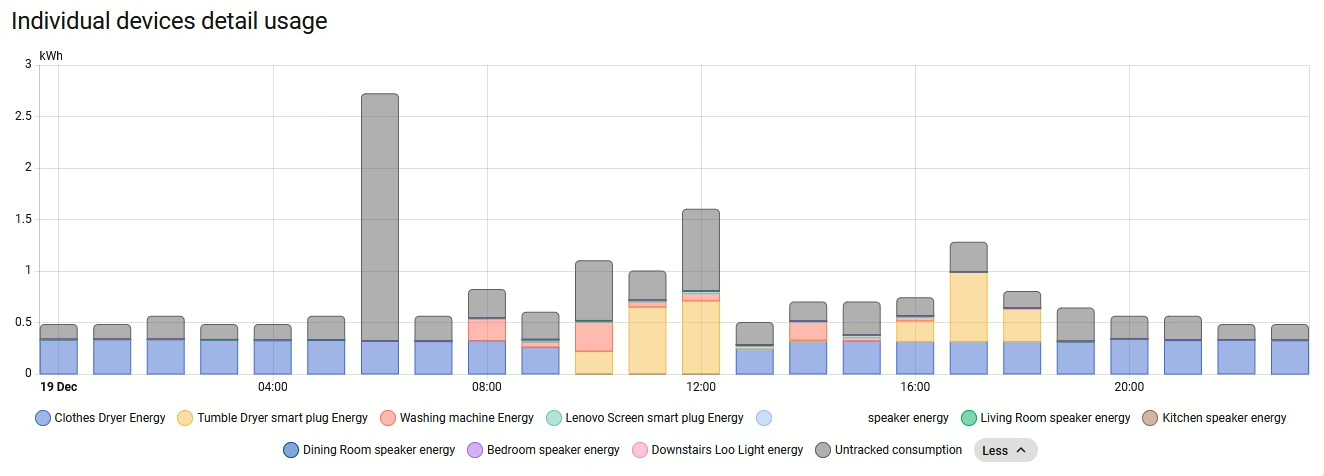
We have a pair of Meross energy monitoring smart plugs, and although they support Matter, to be able to do more than just turn them on and off, I need to use the Meross LAN integration. It supports both HTTP and MQTT communication, and will work both using Meross’ cloud MQTT servers and your own local MQTT broker, if you have one. Once set up, you can use the energy monitoring sensors in Home Assistant.
Octopus Energy
We get our gas and electricity from Octopus Energy (referral link, you’ll get £50 off your first bill if you sign up), and they have an API that any customer can use. The Octopus Home Asssitant integration lets you bring your meter data into Home Assistant, and you can set up automations to opt you in automatically to any energy saving sessions. The data is updated daily, unless you have a Octopus Home Mini which can provide realtime data for electricity, and half-hourly data for gas.
As well as offering some of the best unit rates for energy export, the fact that Octopus offers an API means that just about every UK geek that I know uses them. They also seem a lot easier to deal with than other energy suppliers we’ve used in the past.