We’ve brought our home internet connection into the 21st Century and are now hooked up to Openreach’s full fibre broadband network. This is a full fibre-to-the-home (FTTH) connection, where the fibre optic cables run all the way into our house.
Previously, we had a fibre-to-the-cabinet (FTTC) connection, where there were fibre optic cables running to a street cabinet a short distance away. However, the final distance was the same copper cable installed when the house was first connected to the analogue phone network. And whilst we were able to get 80 Mbps speeds over that connection, that was really the limit of that technology. With fibre-to-the-home, we could get speeds of up to 1.6 Gbps, which is frankly ludicrous. When I started university in 2002, the entire university’s internet connection wasn’t even that fast. And yet, provided you’re willing to pay for it, you can get online at speeds that are over 30,000 times faster than dial-up.
Fibre broadband installation
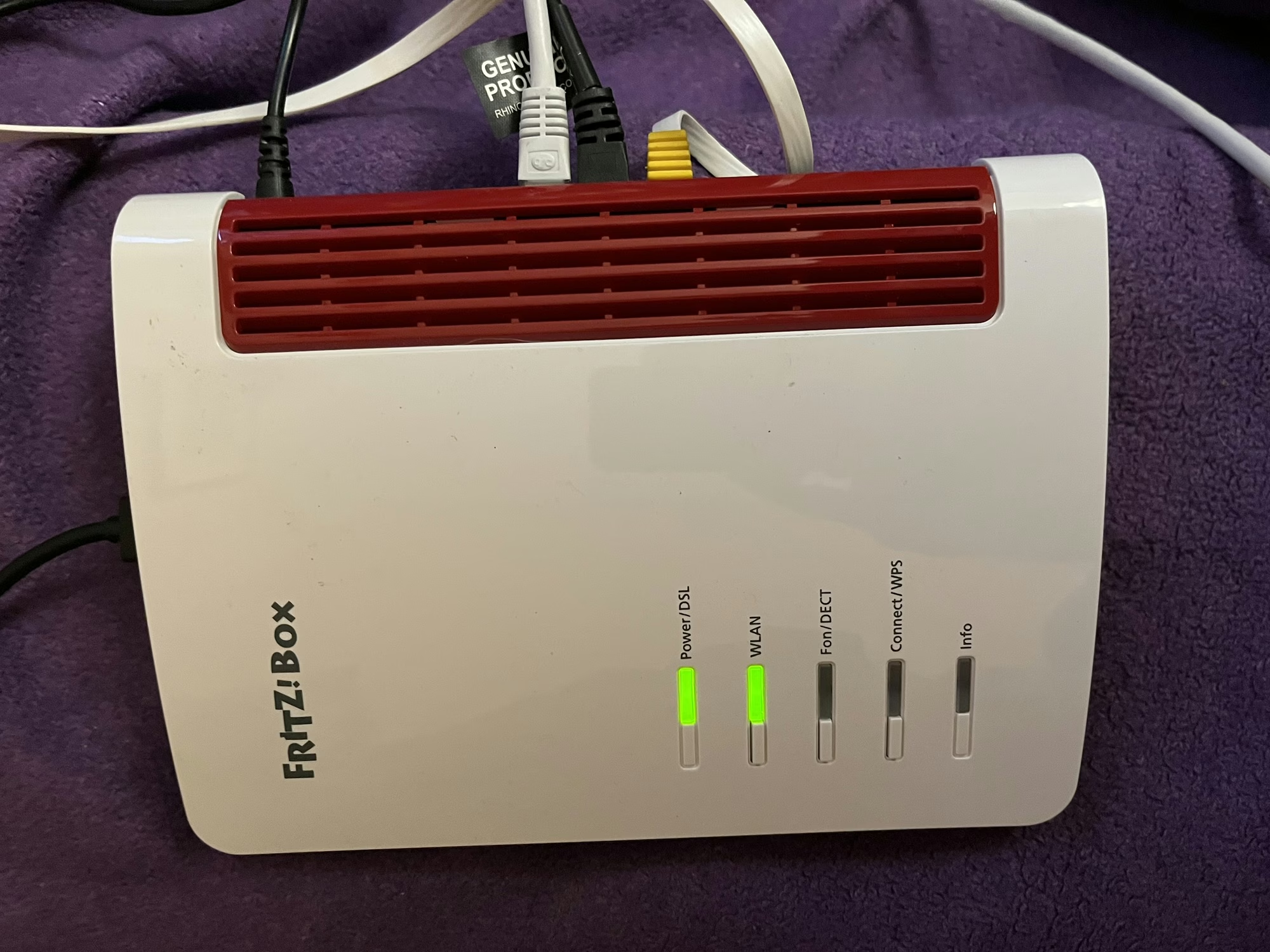
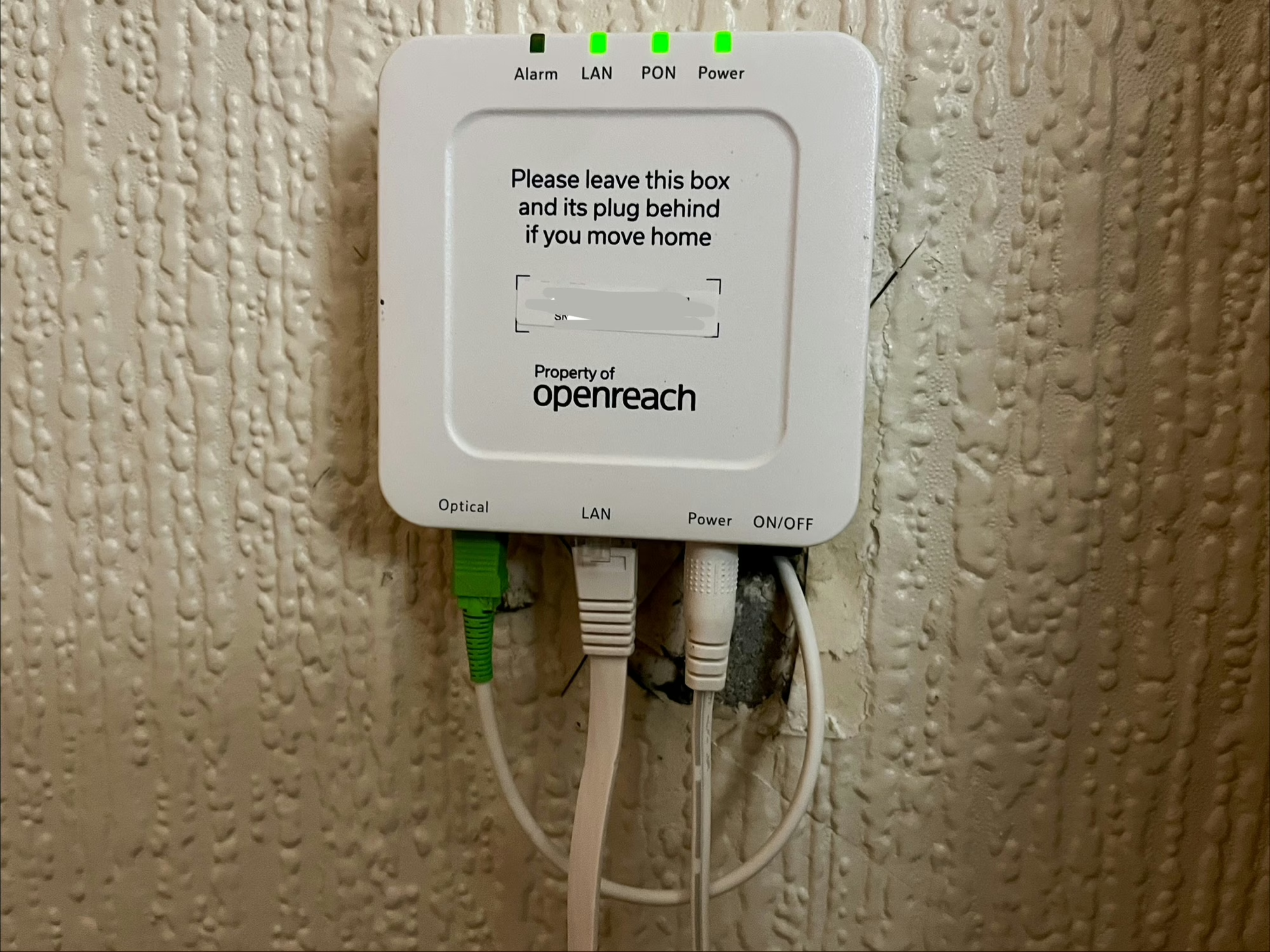
The installation took around 3 hours. Although we pay for our internet service from a retail ISP, it’s Openreach (part of BT) who own the infrastructure and who will do the installation. For us, this involved replacing the copper cable from the nearby telegraph pole, removing the phone socket, and installing an Optical Network Terminal (ONT) – essentially a modem – inside the house. That’s what’s pictured above – you’ll note that it says to leave it behind if moving house. You then plug in your router to this using an Ethernet cable; your router will need to support PPPoE, which any router provided by your ISP will be capable of.
As part of the installation, we also changed to a new ISP, having previously been with Vodafone – more about that in a later blog post.
Once the installation is completed, you may have to wait up to an hour for your connection to start working again. I found I also had to restart the router, but once done, we were back in business.
No landline phone number
One decision we made this time is that we would no longer have a voice line. We had the option of paying extra for it, but the only people who call us on our landline nowadays tend to be scammers, so we decided it wasn’t worth it. Even though we’ve been living in this house for 10 years now, barely anyone has our landline number. If you do switch to fibre broadband and haven’t already been migrated to a digital voice line, then this will happen as part of the installation. That means that your phone is connected to your broadband router, rather than the wall socket. Indeed, the ONT doesn’t have a RJ-11 or BS 6312 socket to connect an analogue phone. It’s worth bearing in mind that your landline phone won’t work in a power cut if this happens.
This also means I can finally get rid of my supply of ADSL microfilters.
Speeds
We’ve actually gone for a modest 100 Mbps package. We were getting by quite well on 80 Mbps, and so for now we don’t really need the extra speed. As I write this, the installation was only completed a few hours ago, and so it’s too early to share what our new speeds are.
We may consider faster speeds in future, should our nine-year-old take up online gaming for example, and at least now the hardware is there to support it.