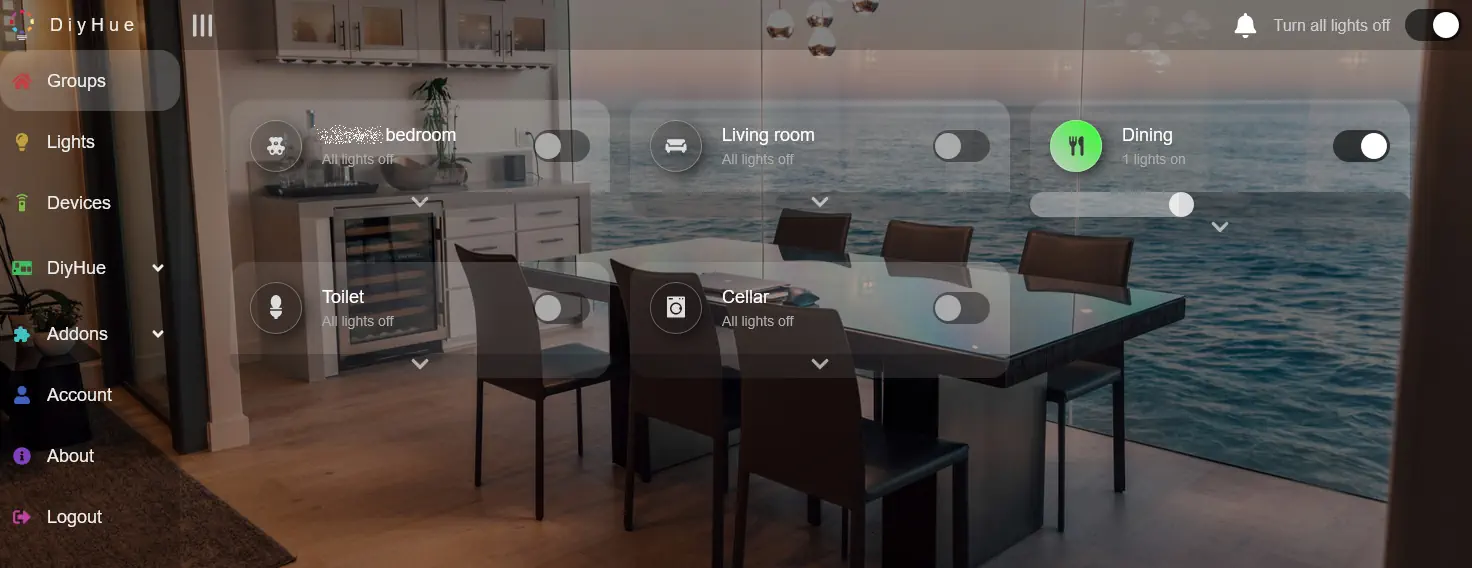
Almost exactly a year ago, I reviewed Bifrost, which emulates a Philips Hue Bridge in software. I’ve recently replaced Bifrost with diyHue, which does the same thing, but with support for more devices.
Note: I was part-way through writing this when I had my fall, so consider it to be moderately cursed.
Comparing Bifrost with diyHue
There’s a useful comparison table between Bifrost and diyHue here, from Bifrost’s developer. Indeed, Bifrost was developed because of the developer’s shortcomings with diyHue, but the two work differently. Bifrost only works with Zigbee2MQTT, and so can only support Zigbee devices. By contrast, diyHue can work with a much wider range of devices, including any that connect via MQTT and Home Assistant. That opens up support for Govee, WLED and Matter/Thread based lights as well.
diyHue is also easier to set up – there’s no YAML file to configure. Instead, it can run as Home Assistant app, and offers its own web-based interface. This allows you to control which lights are exposed to the Hue app, should you not wish all of them to show up. This is especially useful if you have set up both its Home Assistant and MQTT links, as otherwise you’ll end up with duplicates.
You can also easily configure how each light appears to the Hue app, by selecting a model number to emulate. In my experience, diyHue gets this right most of the time, so that light controls in the Hue app match the features of the bulb, but you can tweak it if needed.
Benefits of using the Hue app
I touched on the main benefits of the Philips Hue app in my review of Bifrost, in that you can use its scene gallery to set multiple lights in the same room to complementary colours. At the moment, I only have one room with more than one colour changing light in it, so this isn’t so useful to me, but I’m planning to fit colour changing lightbulbs when we refurbish our bathroom later this year.
The other key benefit of having diyHue is that I can use the Hue app on my Fitbit Versa 3 smartwatch to control the lights. There are some situations where I want to turn lights on and off without using my voice, or having to reach for my phone in the dark. There isn’t really a good Home Assistant app for Fitbit devices (and Google is phasing out the Versa range anyway), so the Hue app is the next best thing.