
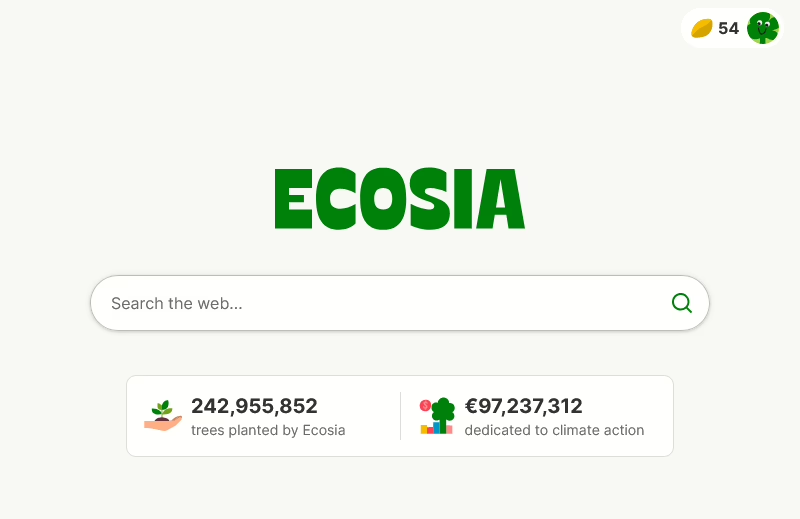
For some time now, I’ve been using Ecosia as my primary search engine, rather than Google search. It aims to be a more ethical alternative; Ecosia is a non-profit company, and any money that would normally go to shareholders instead goes towards planting and protecting trees. In 2014, it became the first German company to become a certified B Corp.
If you create an account on Ecosia (and this is optional), then when you use it, you can see how many trees you’ve helped to plant. For me, this is two, although it would probably be more if I’d remembered to sign in more often.
The results you see from your search are generally provided by either Google or Bing. This is broadly the same as other third-party search engines like DuckDuckGo, which repackage results from the big two search engines in a way that is more respectful to user privacy. However, some results may come from EUSP, which is trying to build a Europe-focussed search engine. EUSP is a joint venture between Ecosia and a French search engine called Qwant.
In my experience, the results are good enough 80-90% of the time. If I’m looking for something super-specific, then I’ll defer to Google, but generally Ecosia works fine. It’s been my default on the desktop since at least last year. Aside from this, my only other criticism is that, on a laptop screen, sponsored results take up all the visual space, and you have to scroll to see the actual results. As Ecosia claims to care more about your privacy, frequently these sponsored results are less relevant. Indeed, it will respect the ‘do not track’ setting in your web browser. Also, if you have an account, you can disable Ecosia’s AI features.
There’s also a web browser available, which looks to be a re-packaged version of Chromium with Ecosia as the default search engine. I haven’t tried it, as I’m happy with Firefox.
If you want to reduce your carbon impact whilst searching (especially with Google’s AI summary appearing by default), consider giving Ecosia a try.


