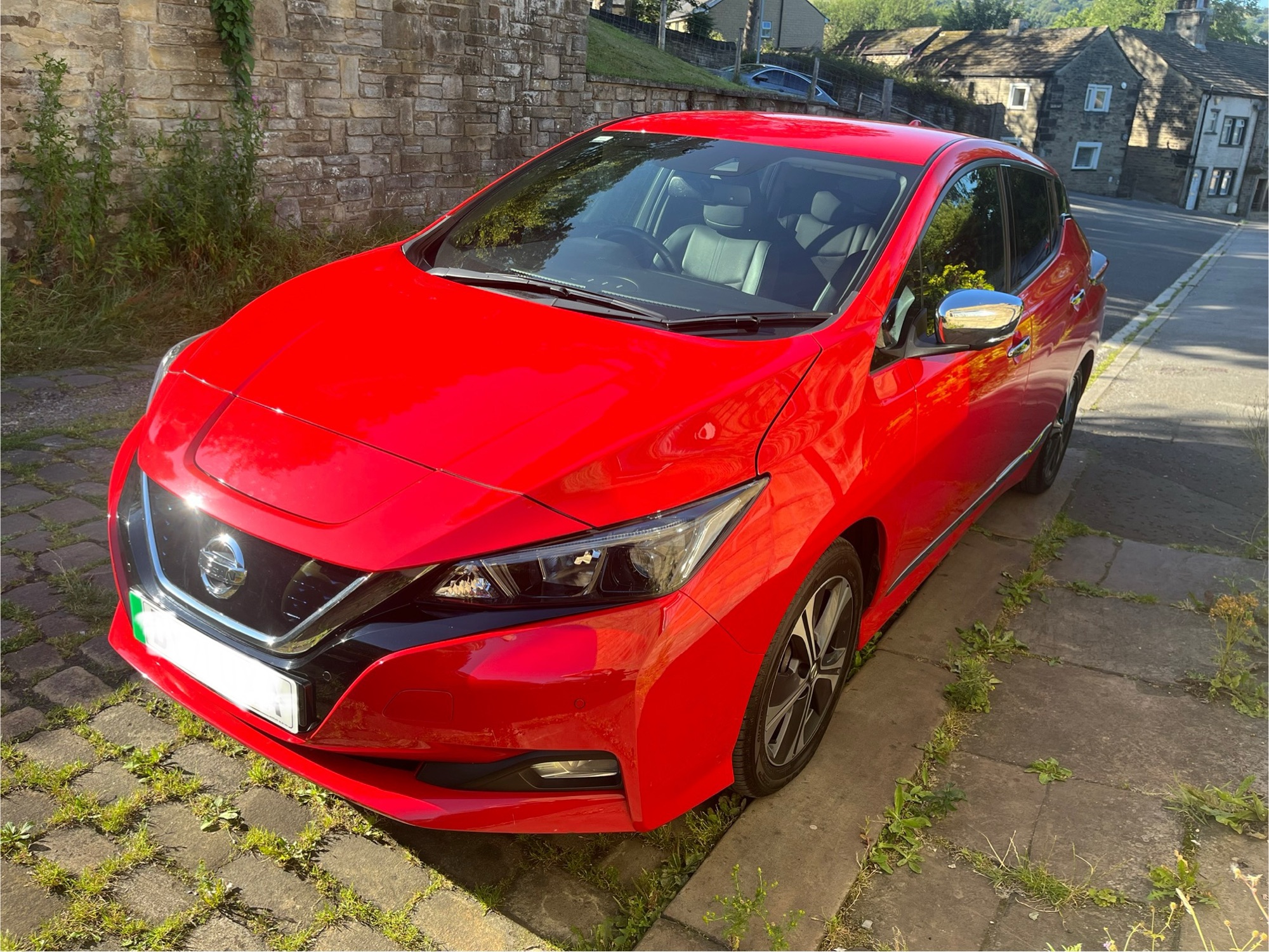
A couple of months ago, we got a Nextbase 522GW Dashcam (sponsored link) installed in our car. And today, I’m going to review it.
Why a dashcam?
By now, I think most people know what a dashcam is – the word is a portmanteau of ‘dashboard’ and ‘camera’, and is a camera that sits on your dashboard or front windscreen, and records video footage of the road ahead of you whilst driving. The key reason why people invest in a dashcam is usually because of car insurance claims; by having video footage of what happened during an incident, you can potentially protect yourself from being found liable for a claim if it is disputed by the other party.
As for why we specifically bought a dashcam, it comes down to some near misses that we’ve experienced, but also videos from Big Jobber on social media. For those unfamiliar with Big Jobber, he used to work as a claims handler for a car insurance firm, and has reviewed many hundreds of hours of dashcam footage when handling claims by the company’s customers and third parties. He now re-posts footage of car accidents and near misses, and explains how the claim would likely be settled.
More than once, there have been instances where the dashcam footage may have made a difference between a claim being settled on a split basis (e.g. 50/50) where both parties take a share of the liability, and one where the claim can be settled with the fault entirely on one driver. That should, in turn, result in lower car insurance premiums due to not having a fault claim in your driving history. And as our car insurance rocketed this year at renewal, getting a dashcam may well prove to be worth it.
The Nextbase Dashcam kit
Although I’ve linked to the Amazon listing in the opening paragraph, we instead bought ours as a kit from Halfords, including installation. Having the dashcam professionally installed offered a couple of key advantages:
- No trailing wires inside the car.
- It keeps your car’s 12 volt auxiliary power outlet socket (commonly known as a ‘cigarette lighter socket’) free for other things.
The kit comes with two cameras – a larger one to go in the front windscreen, and a smaller one that goes in the rear windscreen. That means you can record video looking both forwards and backwards. This underlines the first reason for having the dashcam kit installed professionally, as the wire leading to the rear dashcam is hidden away inside the car’s internal panels.
The kit also includes the windscreen mounts, cables, and a 32 GB micro-SD card, which goes in the front-facing camera.
Halfords stated that installation would take a couple of hours, but in our case it was done in just over an hour, and included a demonstration of how it works.
Using the Nextbase app
A dashcam is of limited use if you can’t get access to the footage. You can, of course, pop the micro-SD card out of the dashcam and use a card reader to access the files. Indeed, I’ve recently bought this multi-card reader (sponsored link) for that purpose. But there’s also a Nextbase app for iPhone and Android devices to allow you to connect to the dashcam directly.
The app works in the same way as my Canon SLR camera; it maintains a Bluetooth connection for basic communication, but when you need to download videos, it switches to Wi-Fi Direct. That does mean that, if your car has its own Wi-Fi network linked to a 4G/5G router (ours does but we don’t use it), you’ll need to disconnect from the car Wi-Fi temporarily to download the videos. These can then be saved to your phone’s camera roll.
The app is… okay. The design feels a bit dated and it can be a bit slow. But it works.
Unfortunately, you can’t connect the dashcam to your home Wi-Fi network (or the one in your car, if you have one). That means that it’s not possible to have the dashcam automatically transfer videos to a computer at home. Theoretically, you could rig something up with a Raspberry Pi that connects to your dashcam over Wi-Fi Direct, and then uses a separate Ethernet connection to save the videos somewhere, but I haven’t done this. Yet.
Video quality
So what’s the video quality like? Obviously, a dashcam with poor quality video isn’t as useful; you want it to be clear enough to identify car numberplates to identify other vehicles in the case of an incident – especially if they drive off without stopping.
The good news is that the video quality is pretty good. It records in High Definition, and seems to be okay even when driving into the sun. As it’s been the summer, we’ve not had the chance to test it at night yet. Within 48 hours of having the dashcam installed, we had a near miss, and the footage was clear enough to be able to read the other car’s numberplate.
Our Nextbase dashcam also burns in the date and time to the video footage, as well as the GPS co-ordinates and estimated speed that you are travelling.
However, it’s worth mentioning that you will likely fill up the included 32 GB micro-SD card quite quickly. We have to format ours every week; it’s easily done in the app, but if you’re often away from home, consider buying a bigger card.
Alexa built-in
The Nextbase 522GW model is one of those that has Alexa built-in. As it records audio from inside the car, it can listen out for the ‘Alexa’ wake word and then send commands to your phone by Bluetooth. At least, in theory; I found this to be temperamental and it wouldn’t always work. It’s a nice to have, but I wouldn’t buy this particular dashcam model just for the Alexa integration. Other voice assistants like Siri and Google Assistant aren’t supported.
Other dashcams to consider
Big Jobber has a list of dashcams he recommends on his web site, which doesn’t include our Nextbase model. The dashcam he currently uses, as I write this, is this Vantrue N4 Pro S 4K dashcam (sponsored link), which is rather more expensive but records video in 4K.
We went for this model because Nextbase dashcams seem to be well-reviewed, but mainly because it could be professionally installed at Halfords. Whilst we could have bought a better one from Amazon and fitted it ourselves, it wouldn’t be as neat as a fitted dashcam.
Privacy implications of dashcams
If you are an individual and you are using a dashcam in your personal vehicle, then you can just go ahead and install one. The rules are different for business vehicles; you need to let people know they’re being recorded and register with the Information Commissioner’s Office.
According to the pressure group Big Brother Watch, Britain has one of the highest concentrations of CCTV cameras of any country after China. In some respects, the increased use of dashcams is just an extension of this, but primarily by individuals rather than business or government.
Whilst person use of dashcams isn’t heavily regulated, you probably should be mindful of what you do with the footage. Delete any un-needed footage regularly, and don’t post videos online without good reason.
Hopefully we won’t need to use our dashcam footage in an insurance claim, but if we were involved in an accident, the footage should protect us from claims against if we weren’t at fault.