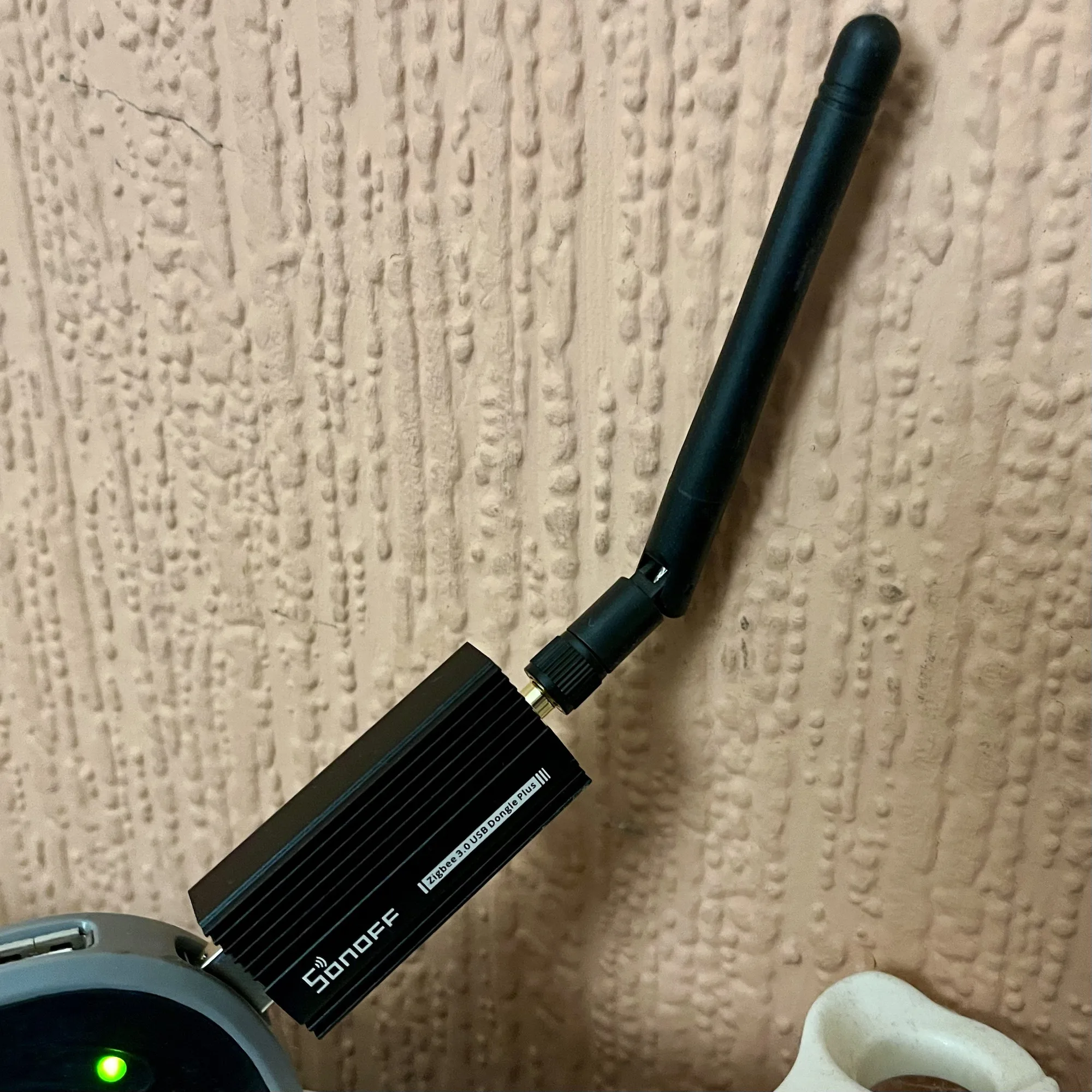
If you’re a Home Assistant user, and want to connect your Zigbee and Matter devices, then one option to consider is this Sonoff ZBDongle E. I bought one a couple of weeks ago, and it seems to work fine with my Home Assistant setup.
The firmware flasher is actually browser-based, and so there’s no need to download additional software. However, it’ll only work in Edge or Chrome, as seemingly Firefox doesn’t have away of allowing web pages to access serial ports.
Once it’s all set up, you’ll be able to add both Zigbee and Matter devices to your Home Assistant installation.
The Sonoff dongle cost £22 when I bought it earlier this month, although at the time of writing the price has been hoicked up to £30. That makes it only £1 cheaper than the Home Assistant Skyconnect, which is the official dongle. Therefore, my recommendation of the Sonoff dongle being a cheaper option no longer applies and it’s up to you which one to buy.
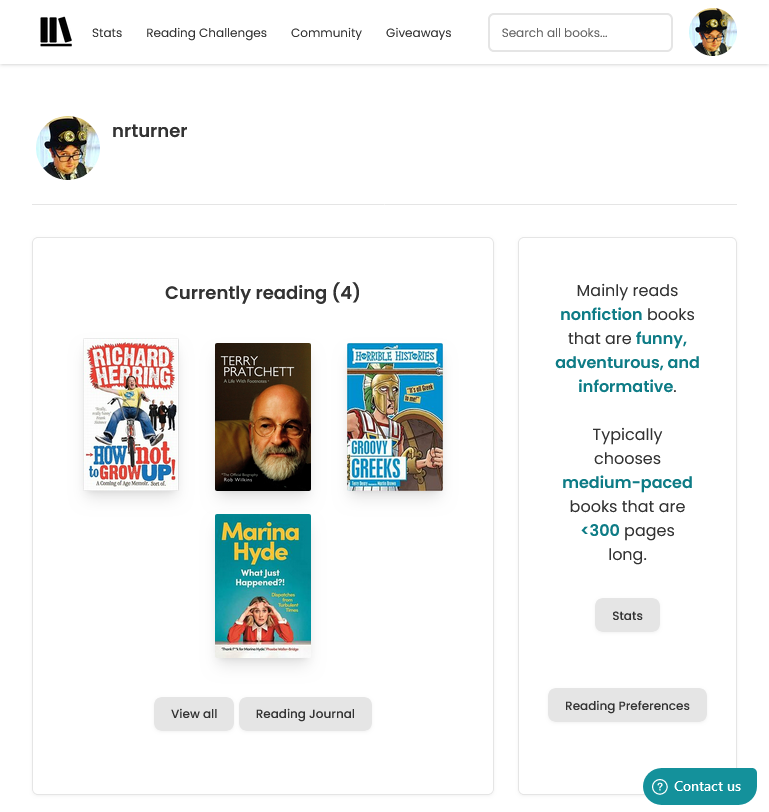
I’m a little late to the Goodreads review scandal. Late last year, an author whose debut book was due to be published, wrote several fake reviews of books by other authors that were due out at the same time, and posted positive fake reviews of her own book. Unfortunately for her, she was found out, and dropped from her book deal.
In the almost eight years that I’ve used Goodreads, it has barely changed. There have been annual Readers Choice Awards, and the annual reading challenges, but other than a change to book information pages in 2021, it feels like Amazon has basically abandoned it. The iOS app gets ‘bug fixes and performance improvements’ on a regular basis, but I suspect that these are updates to downstream code libraries and not a result of actual work by Goodreads developers.
Its recommendations of new books to try have always been terrible, and it’s reliant on volunteer librarians. Which wouldn’t be an issue if Goodreads was a non-profit, but it’s owned by one of the world’s most valuable conglomerates. Giving away labour for free to such enterprises doesn’t sit well with me, even if it’s something I’ve done a lot in the past.
So, Goodreads both has a problem with fake reviews, and a lack of interest from its owner. So what are the alternatives?
The Storygraph
I tried out The StoryGraph about a year ago. You can import your reading history from Goodreads during the onboarding process, and its recommendations are much better, as its design. There are mobile apps, reading challenges, and giveaways where authors can offer limited free copies of their books, presumably to generate some reviews.
The StoryGraph does have social features like Goodreads, but there doesn’t seem to be an easy way of importing contacts from elsewhere. Quite a lot of my friends use Goodreads and I’m sure some of them use The StoryGraph too, but I don’t know how many because I can’t seem to find them. If there’s an ‘import contacts’ option in the iOS app, then I haven’t found it.
Bookwyrm
Another site that I’ve heard about, but haven’t yet signed up to, is Bookwyrm. It uses ActivityPub and is therefore part of the Fediverse, so you can follow people using Mastodon clients, for example. You can use the bookwyrm.social instance, but you can also install and host it yourself. Importing from Goodreads (and other services) is supported.
I’m aware of some friends who use Bookwyrm, so it may avoid the issue I’m having with The StoryGraph where I can’t find my existing contacts.
I suppose it will come down to what my existing friends use, and getting large numbers of people to change platforms happens rarely. We’ve seen many challengers to Twitter rise and fall over the years (Andy Baio posted an excellent eulogy of Ello this week) and it’s only because X/Twitter has become utterly terrible in the past 15 months that a significant number of people have moved to the likes of Bluesky and Mastodon. And some are still left behind.
If we follow that model, then Goodreads would have to become significantly worse, before people start looking for alternatives en masse. Right now, it’s just stagnant; clearly not a priority for Amazon, but not so badly broken as to require much of an intervention. I certainly can’t see it joining Bookwyrm in the Fediverse.
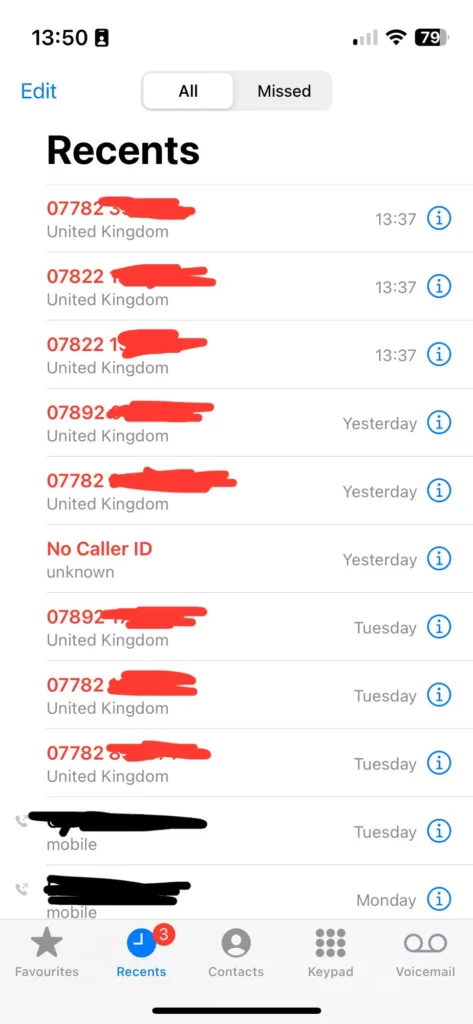
Over recent weeks, I’ve been plagued by calls from numbers not in my contacts. Sometimes, as per the screenshot, I’ll get three calls from three different UK mobile numbers within seconds of each other. So, I’ve enabled Silence unknown callers on my iPhone.
I made a mistake by answering the first call, and it turned out to be some kind of cryptocurrency scam. However, it wasn’t just a random dial; they had my name and email address as well as my phone number. This suggests that they’ve hoovered up my personal data from a previous breach – possibly the Patreon breach of 2015, but there have been many others.
Since then, I’ve been getting three or four calls at a time, usually twice per day. It’s a different number every time, so whilst I may have not been fully convinced it was a scam when I answered the first time, I am convinced now. I’ve tried to hide the numbers in the screenshot because the numbers have almost certainly been faked and probably belong to innocent people. It also suggests to me a deliberate effort to get around call blocking apps like Truecaller, for which I have a premium subscription.
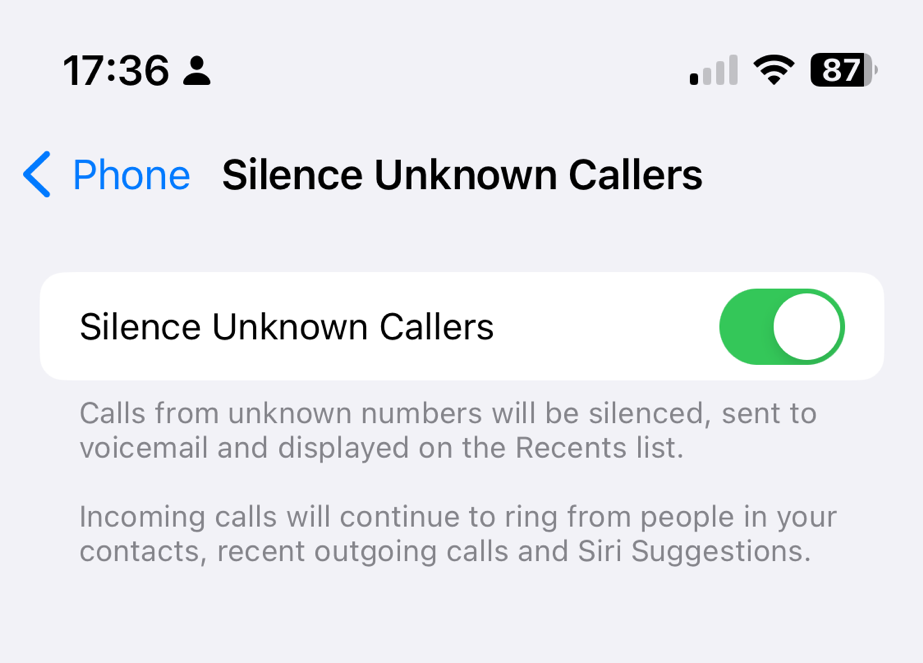
What this means is, if people call me, my phone will only ring if the number is in my contacts, if I’ve called it recently, or it’s a ‘Siri suggestion’. The latter could include numbers in recent text messages and emails, for example.
If you want to enable this yourself, open Settings on your iPhone, go to Phone and then scroll down to ‘Silence Unknown Callers’.
I’ll keep this on until the random calls stop. At the time of writing, they’ve slowed down but haven’t stopped completely. Maybe they’ll get the hint in time.
Although it’s currently the bleak midwinter – and I mean bleak, with sub-zero (Celsius) temperatures last week and Storm Isha this week – we have managed a few days out. Some of these were in the first week of the year, as our eight-year-old didn’t go back to the school until the following week.
Here’s where we’ve been:
Manchester Science & Industry Museum
The Science and Industry Museum in Manchester is somewhere that we typically end up at least once a year. This time was mainly for the Food, Poo and You exhibition, which features content from the presenters of Operation Ouch (including Dr Chris, writer of Ultra-Processed People). It didn’t take much convincing our eight-year-old to go to an exhibition about poo, and it’s well presented. Just be aware that, whilst the rest of the museum is free, this is a paid-for exhibition and you’re advised to pre-book. My wife happened to be working that day and so I expect we’ll be going back before it finishes in June, after which it’ll probably go to the Science Museum in London.
Also there at the moment is Prof Stephen Hawking’s wheelchair. I was naturally more excited about this than our eight-year-old was.
What isn’t at the museum at the moment is, well, about three quarters of the museum. It’s just what’s available in the ‘New Warehouse’; a huge restoration programme means that the other buildings are closed. The Power Hall should be open again next year if all goes well.
Eureka
Considering how often I pass Eureka, and the fact that we have a young child, it’s perhaps surprising that it’s been almost seven years since my last visit. And like that time, it was partly due to some Tesco Clubcard vouchers expiring. The museum hasn’t changed much in that time; the main difference was that the car garage is now a community area with a bus and a smaller electric car exhibit.
It’s still a good museum for half a day, and at eight years old our child isn’t too old for it. There’s a new Eureka, focussing more on science for slightly older kids, in Wirral which we need to visit at some point.
Royal Armouries, Leeds
The last time we went to the Royal Armouries was for Thought Bubble, back in 2016. Museums about war and armour aren’t really my thing, but our eight-year-old had read a library book about them recently and so it was an opportunity to see some of those things in real life.
The Reloaded exhibition is interesting, as it looked at guns as gifts and objects of desire. There were also a couple of commissioned art pieces, such as an AK-47 covered with sprinkles and Love Hearts. It’s always fun to see the elephant armour too.
We have a few more busy weekends coming up, so I doubt we’ll be going anywhere else for a few weeks.
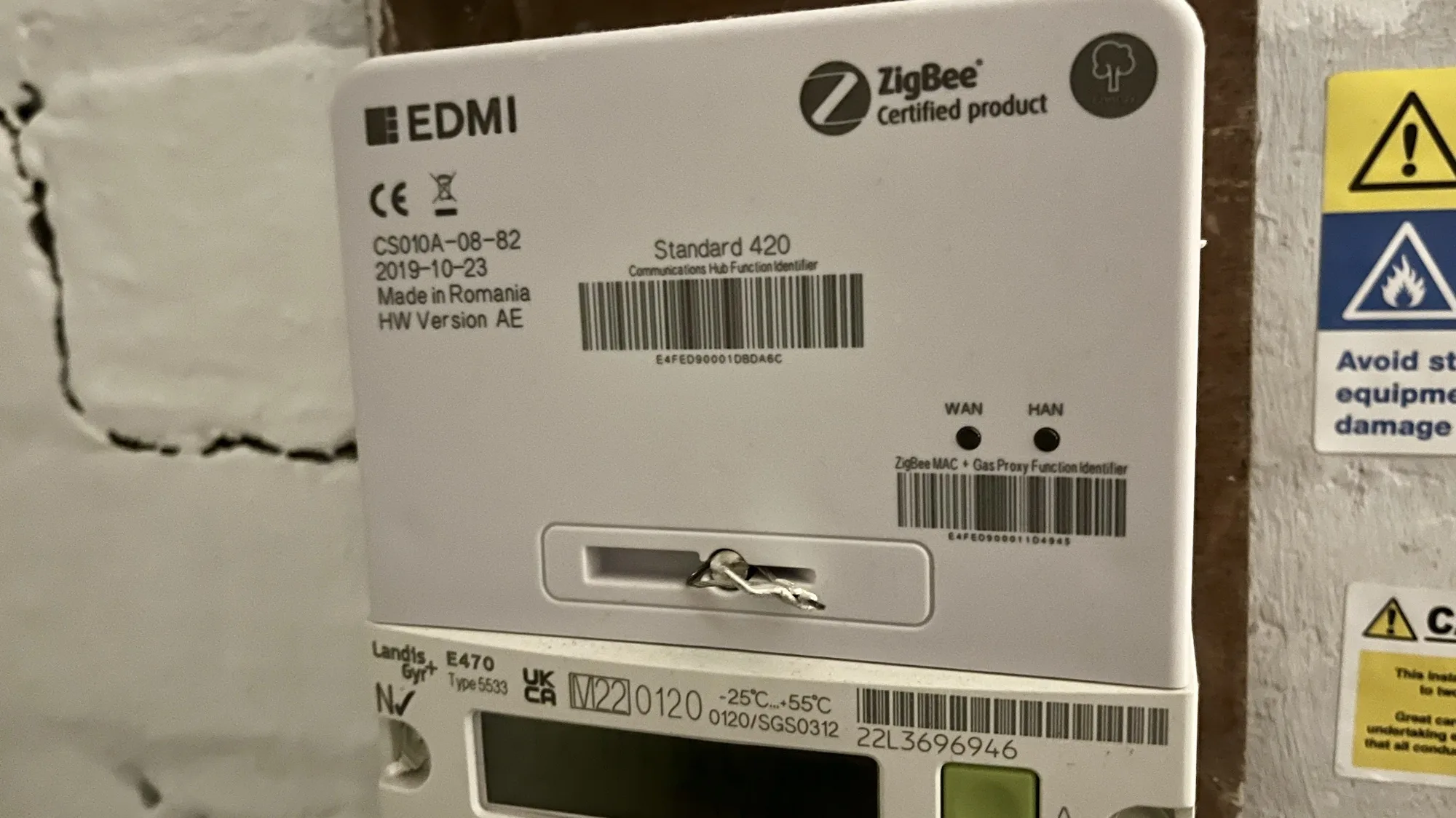
If you’re in the UK, and have a smart meter, then your home probably has a Zigbee network that you may not know about.
What is Zigbee?
Zigbee is a wireless mesh networking protocol, that is commonly used for smart devices. If you have smart lightbulbs, such as the Ikea Trådfri or Philips HUE range(sponsored link), then Zigbee is what these devices use to communicate with their hub.
Zigbee isn’t the same as Wifi. Wifi devices belong to the 802.11 family of IEEE standards, whereas Zigbee is in the 802.15 family . There’s a difference at the hardware level, so a device that supports Wifi can’t use Zigbee unless it has a specialised chipset. However, there is commonality between the two; like Wifi, Zigbee uses IP addresses, and operates on the 2.4 GHz band.
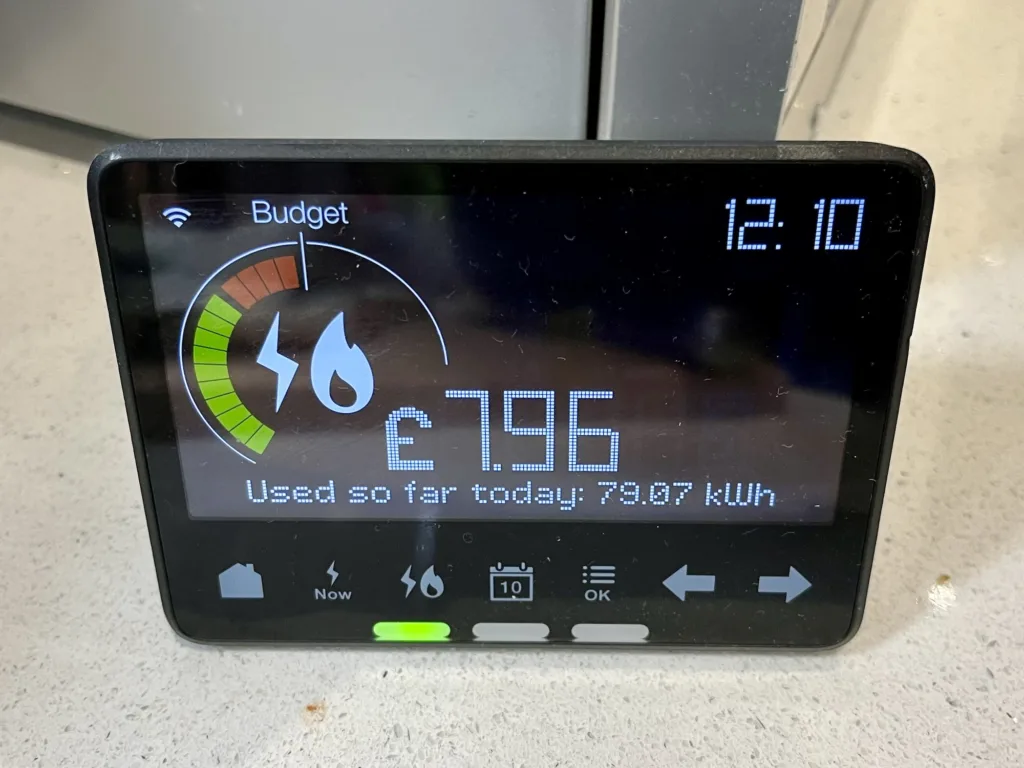
If you have smart meters for your electricity and gas, then these will use Zigbee to communicate with your IHD (In Home Display). This is the small device that shows your current and daily usage.
Can you access this Zigbee network?
No. Even if you have a device with Home Assistant and a Zigbee dongle, it won’t be able to see the Zigbee network that your meters and IHD use. I suspect this is because your electricity meter has its own SIM card, to access the internet to send your readings. If you could access this Zigbee network, then it may use your electricity meter’s internet connection and not your own.
Update (January 2025): Depending on where you live, your smart meter may not actually have a SIM card. If you live in Wales, or central and southern England, then it will have a SIM card and will send your data using 2G or 3G internet services on O2’s network. However, if you live in Scotland or the north of England, as in north of the M62 corridor, then your smart meter will send data on the 400MHz band. This offers lower bandwidth, but higher range, and more likely to penetrate the insides of houses in remote areas. We have the latter type of smart meter, as we live just north of the house in the middle of the M62.
There are, however, some devices that will bridge between this Zigbee network and your own Wifi network at home. Some newer IHD devices offer this, and if you’re an Octopus Energy customer, you can join the waiting list for the Octopus Home Mini. I joined the waiting list a few months ago, but I haven’t heard anything yet. Meanwhile, you can also buy a Glow CAD (Consumer Access Device) for £65, which can connect to Home Assistant. Alas, it’s out of stock at the time of writing.
Another option for Octopus Energy customers is this Home Assistant addon, which brings in your usage data. However, it updates half hourly unless you already have an Octopus Home Mini.
Other ‘secret’ networks in your home
In our home, we also have a couple of Thread networks. Thread is related to Zigbee in that it’s also in the 802.15 family, and is arguably a successor. Nest developed it to enable their smart thermostats to talk wirelessly to the heat link that connects to your boiler, so this makes one network. Newer Nest thermostats can act as a Thread Border Router and so other devices using Matter can connect to it, but we have an older model.
We also have a pair of Google Nest Wifi devices (a hub and a point) which use Thread to communicate with each other. Google has updated these to offer a Thread Border Router, and so I’ve been able to access this with Home Assistant, ready for when we have some Matter compatible devices. So at least I can access one of the three non-wifi networks in my home.
Further reading
Whilst researching this, I came across this Hacking Your Smart Meter (Part 1) article, although there doesn’t appear to be a part 2. Instead, the author, Terence Eden, uses an API from his energy company as above.
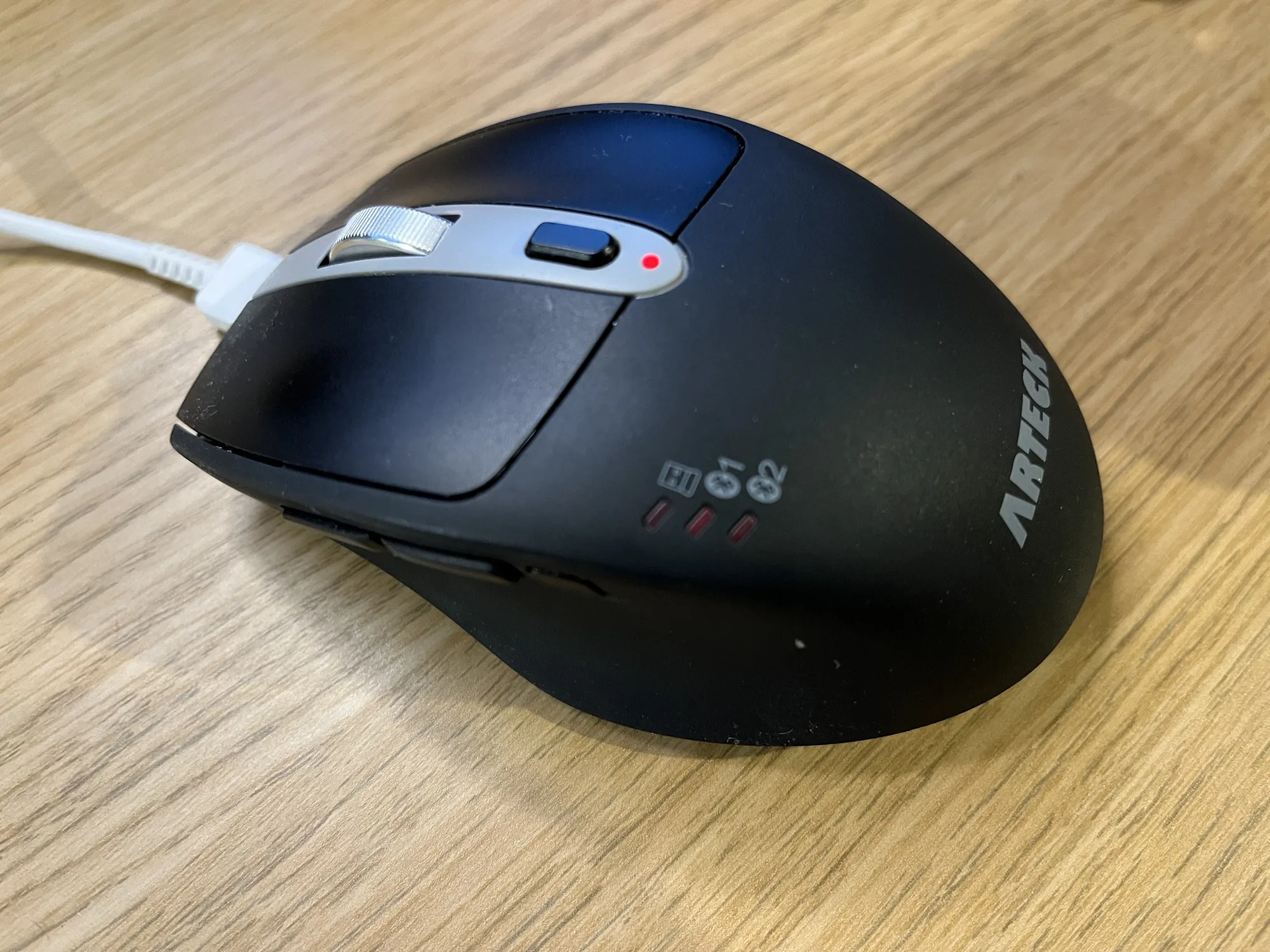
I bought it so that I could use it both with my desktop, and my iPad – because yes, you can use a mouse with an iPad. It supports two Bluetooth devices, and can connect to a third using an RF USB dongle. I use the dongle with my desktop, as RF uses less power. Switching devices is as simple as pressing a button on the side.
As a mouse, it works quite well – clicking is quiet, and I’ve been using it for almost 18 months with no complaints. It’s a comfortable size too – not as big as some mice, but larger than some laptop mice. However, this model is designed for people who are right handed; I had a look for left-handed multi-device mice on Amazon but couldn’t find any.
The battery life is also really good – I recharge it about every three months. It has a built-in battery which charges using a USB-C cable, and this plugs in at the top so that you can still use it whilst charging. This makes it better than Apple’s Magic Mouse, which has its Lightning connector on the bottom and so can’t be used while charging. The USB-C port is just for charging though; it won’t turn your mouse into a wired mouse. There is also a small slide-out compartment to store the USB RF dongle if you’re not using it.
As well as the device switch button on the left side, there are two additional buttons which, by default, act as back and forward buttons in a web browser.
Whilst I’m sure there are other multi-device mice out there, this suits my needs and has worked well for me. It’s reasonably priced at around £19, at time of writing.
When I re-started blogging regularly again, my aim was to post a new blog entry every other day – so 3 or 4 new entries per week. Over the past couple of weeks, I’ve been posting daily. This is because:
I had the first week in January off work, and only went back on the 8th, so had more time to write.
There was no new blog post yesterday, and there won’t be tomorrow, as I’m now going back to posting every other day. Whilst I still have lots of blog post ideas, if I try to post a new blog entry every day, I’ll burn through them quite quickly. And now that I’m back at work full-time, I won’t have as much time to write. I’ve tried having a new blog entry to post every day in the past, and it’s hard work.
It’s been 22 years to the day since I wrote my first blog post. Which is a very long time in technology.
Last year, I referred to the blogiversary as a ’21st-ish blogiversary’, mainly because I took a break from blogging for four years and all my pre-2018 where lost. However, I’ve been able to reinstate the first one, so you can read what 17 year old me had to say about starting a blog.
For the first few months of blogging, my posts were made using Blogger, which I’m almost surprised is still around. Google bought Blogger over 20 years ago, and hasn’t done much with it. It’s still there, and you can still create a new blog, but apart from a new responsive UI in 2020 it seems to have stagnated.
I switched to Movable Type in September 2002, and bought the neilturner.me.uk domain that I’m still using today. Over time, I switched web hosts a couple of times, but I’ve been with Bytemark for many years now.
In March 2011, I moved from Movable Type, which was becoming a commercial product, to Melody, a community fork. Alas, there just wasn’t much interest elsewhere in the blogosphere in either Movable Type or Melody, and so this was a short-term change. Just a couple of months later, I switched to WordPress, and have been using it for almost 13 years now. That’s longer than any of the other blogging systems that I have used in the past.
Over this past year, I have been trying to get back into blogging, and, since October, I have (for the most part) published a new blog post every other day. I’m enjoying blogging again and wish I’d re-started sooner, although at least with a 4 year break, there’s plenty to talk about. I still have plenty of ideas for future blog posts which should see me well into the spring. So, happy birthday blog – you’re looking better than you have done in years.
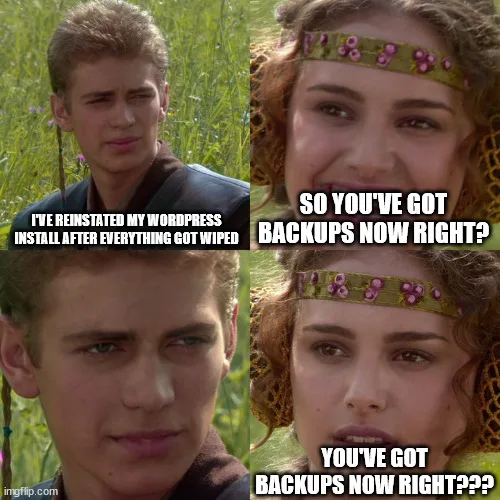
It’s a little while until World Backup Day on the 31st March, but I’ve set up UpdraftPlus to create automatic backups of my WordPress installation to my Dropbox account.
It’s a straightforward plugin to set up. You install it from the WordPress plugin directory, select your cloud storage provider, choose what you want to backup, and then run it. If it all goes well, you can then set a schedule for automated backups.
The free version offers Dropbox, Google Drive, Amazon S3 and some others, and you can also upload your backups to any FTP server, albeit over a non-secure connection. If you want to use WebDAV, SFTP, SCP, Microsoft OneDrive or UpdraftPlus’ own service, then you’ll need a premium account. At present, it’s £54 per year for up to two personal sites, which is pretty reasonable – the equivalent of a little over £4 per month.
Your backups can include everything if you want, but I’ve excluded plugins and themes from my backups. I haven’t modified the theme that I am using, and I’m not using any custom plugins – everything is from the WordPress plugin directory.
Backing up my files to Dropbox makes the most sense to me. I pay for Dropbox Pro and so have 2 terabytes of storage, of which I’m using less than 7%. Whilst VaultPress is the officially-supported solution for backups for WordPress, it’s not a free service and I’m already paying for Dropbox Pro.
The best time to set up backups is now
There isn’t a ‘best time’ to set up backups for any system apart from, well, now. So, if you haven’t got a backup solution in place, this is your reminder to sort something out. I lost all my blog posts in 2018 because I didn’t have adequate backups in place when doing a server upgrade. I would say I learned my lesson, but I’ve been blogging again for 18 months now and only set up UpdraftPlus last week.
There are many other WordPress plugins that offer backups – some free and some paid. I chose UpdraftPlus as it seemed to be the one which offered the features that I wanted, but you may find another suits you better. Just make sure that you have something in place.
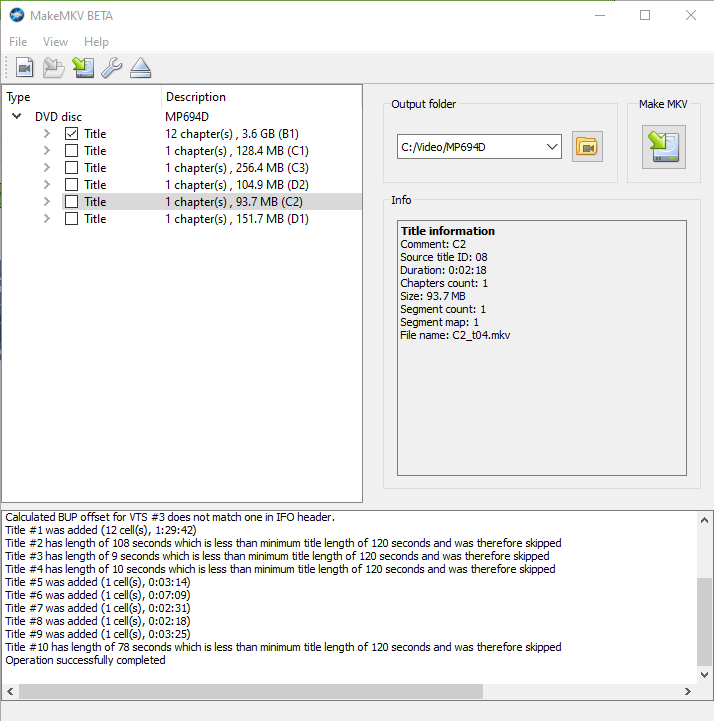
If you want to make backups of your DVDs or Blu-Ray discs, or watch them on a device without an optical drive, then MakeMKV is a tool that you should consider.
MakeMKV takes the content of your DVDs, and creates a Matroska (.mkv) file that can be read by many media players, including the likes of VLC, Plex and more recent versions of Windows Media Player. Matroska is a very forgiving container format that can accommodate just about any video and audio codec, and has excellent support for subtitles.
What sets MakeMKV apart from tools such as Handbrake is that there’s minimal transcoding. That means that the MKV file will match the quality of the original source, with the same aspect ratio. Handbrake will typically transcode the video into another format and offer to up-scale the video to HD. This will probably result in a smaller file, as newer video formats are more efficient, but every time you transcode a file using a lossy compression algorithm, you lose some of the quality. It also takes longer to convert files using Handbrake because of the transcoding.
The files created by MakeMKV will include subtitles, where these are provided on the original disc, and they’re not ‘burnt in’ so can be enabled or disabled by playback devices. Chapters are also retained.
Overall, it’s easy to use, and doesn’t offer the dizzying array of options that Handbrake offers.
Currently, MakeMKV is beta software, and has been for over a decade – this may explain the rather dated-looking web site. It is shareware, albeit free to use whilst in beta. However, if a final release is ever made, expect to be asked to pay for it. If you want, you can buy it now for $60 (currently £54.25 including VAT).