No more Google Assistant on Fitbit Versa 3

A screenshot of an email from Google Fitbit. It says: You are receiving this email to let you know about an upcoming change to your Fitbit Sense and/or Versa 3. Over the next few weeks we will be progressively phasing out Google Assistant on your Fitbit device. You can learn more about this process here. This change means that Google Assistant voice control for activities will no longer be available on your Fitbit device.

In a few weeks time, Google is removing support for Google Assistant on its Fitbit Versa 3 and Sense devices. I have a Fitbit Versa 3, and so last week I received an email (screenshotted above) notifying me. Going forward, if you have a Fitbit Versa 3 or Fitbit Sense, you’ll only be able to use Amazon Alexa and not Google Assistant.

When I first heard about this, I was a little confused. After all, with Google now owning Fitbit, you would expect them to phase out support for Alexa to keep you in Google’s ecosystem. So, I did a bit of digging.

Alexa on Fitbit has always supported more features

Firstly, Google Assistant has been a poor relation of Alexa on Fitbit devices. On a Fitbit, Alexa can do most things that an Amazon Echo device can do, including controlling smart home devices. Google Assistant was more limited, to things like web searches, or launching apps on the Fitbit device to set timers or start exercises.

I’ve had my Fitbit Versa 3 for nearly three years – it was a 38th birthday present from Christine – and in that time I’ve only ever used Google Assistant. Following this announcement, I switched to Alexa, and have so far found it more capable. We don’t use any other Alexa devices at home, and so I’ve had to link up our various smart home devices to Alexa son that I can interact with them. For the most part, I’ve used Home Assistant and Homeway to achieve this.

Google is ‘upgrading’ Assistant to Gemini

You’re probably aware of Google Gemini, which is Google’s AI chat bot. Later this year, Gemini will replace the Google Assistant mobile app, as Google wants to foist its AI tools on its existing Google Assistant users. I’m not extremely comfortable with this, as I believe that current AI models are flawed and inefficient. For example, last year Gemini told people to eat one rock per day, and I’m concerned with the amount of computing power these AI models need compared to more basic natural language parsing. But I guess I don’t have a choice unless I stop using Google Assistant altogether.

Anyway, it seems that Google has decided that its older devices won’t be getting the Gemini upgrade. When you use Google Assistant on a Fitbit Versa 3, it communicates with the Google Assistant on your paired phone by Bluetooth. Presumably then, once the Google Assistant app has disappeared from app stores, it won’t be able to work. Google no longer sells the Versa 3 and Sense, and so I’m guessing they’ve made a business decision not to support the Gemini upgrade. After all, unless you’re a Fitbit Premium or Google One subscriber, you’re not making any more money for Google after having bought the device.

For now, the newer Fitbit Versa 4 and Sense 2 should still work with Google Assistant – these models are still on sale at the time of writing. However, they’re being phased out – in future, Google will only sell the Inspire and Charge Fitbit ranges. If you want a smart watch, you’ll be steered towards Google’s Pixel Watch range – but bear in mind that they’re Android-only.

As for my Fitbit Versa 3? Hopefully it’ll keep going for at least a couple more years, and I’m happy with using Alexa instead of Google Assistant for now. When it comes to replacing it, however, I’ll need to think hard about my choices. Whilst Fitbit’s smart watch range is less capable than, say, an Apple Watch, they offer much better battery life. An Apple Watch Ultra typically lasts only 36 hours, whereas the Versa 3 would do five days on a full charge when I bought it. Even now, it still manages 3-4 days, depending on use.

Kvidio Bluetooth headphones review

A photo of a pair of Kvidio Bluetooth headphones on a plain background.

Early in July, I needed some new Bluetooth headphones at short notice, and so I bought this cheap pair of Kvidio Bluetooth headphones from Amazon (sponsored link). At the time, they were around £16, but at time of writing they’re selling for £14.20, which is only a little above half their recommend retail price.

Note: this blog post was written before Apple announced that their AirPods Pro would have a hearing aid mode.

Now I’m no audiophile, although I do like headphones that at least make some effort with sound quality. And quality-wise, these sound like headphones in the £30-40 range. Which is pretty good considering their price. They’re nowhere near as good as some much more expensive headphones, but in terms of sound quality, they’re excellent value.

Two devices

One great feature is that they can be paired to two different Bluetooth devices simultaneously. I have my headphones paired to both my iPhone and iPad, and you can switch between the two sources just by starting playback on the other device; your other device will then pause. It supports Bluetooth 5.3, which is currently the second-newest release, and puts it ahead of my iPhone (5.0) and iPad (4.2).

You can, of course, use the headphones for calls, and there’s a microphone included. I haven’t tried recording sound from the microphone but people I’ve called whilst wearing them haven’t commented on any sound issues.

In terms of physical ports, charging is with a USB-C cable, and there’s a 2.5mm audio jack for devices that aren’t paired via Bluetooth. Note that the 2.5mm jack is input only – the microphone only works via Bluetooth. There are three buttons – the centre button pauses playback, and can be held down to turn it on or off. The other two can be used to skip tracks forwards and back.

Another sign of their cheapness is the sounds that the headphones make on startup (a very poorly digitised voice saying ‘power on’ and ‘connected’) and a loud beep when the pause button is pressed. More premium headphones will probably have more pleasing sounds.

Battery life

Battery life is claimed to be 65 hours, and I’ve only needed to charge them once since I bought them nine weeks ago. The long battery life is probably because these are noise-isolating headphones – i.e. they’re a snug fit around your ears to block out noise, but they don’t feature active noise cancellation. That also contributes to the lower price.

They’re quite lightweight – indeed, they don’t feel very solid although I’ve not managed to break them yet. As such, they’re quite comfy to wear, even for long periods.

For what they are, these Kvidio headphones are very good value for money. Sure, there are many better quality options out there, but I think you would struggle to find something else as good as these at this price point.

Finding alternatives to Goodreads

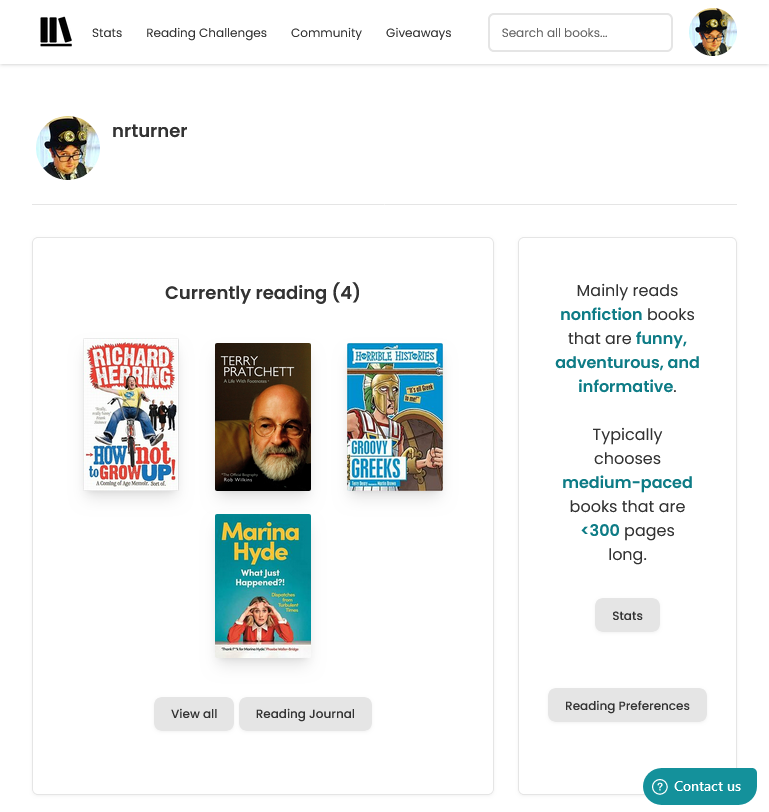
Screenshot of my profile on thestorygraph.com which is a potential alternative to Goodreads

I’m a little late to the Goodreads review scandal. Late last year, an author whose debut book was due to be published, wrote several fake reviews of books by other authors that were due out at the same time, and posted positive fake reviews of her own book. Unfortunately for her, she was found out, and dropped from her book deal.

But, as the above-linked New York Times article states, Goodreads isn’t in a good place right now. It’s been around since 2007, although I joined in 2016 and first blogged about it in 2017. This was after Amazon’s purchase of Goodreads in 2013.

In the almost eight years that I’ve used Goodreads, it has barely changed. There have been annual Readers Choice Awards, and the annual reading challenges, but other than a change to book information pages in 2021, it feels like Amazon has basically abandoned it. The iOS app gets ‘bug fixes and performance improvements’ on a regular basis, but I suspect that these are updates to downstream code libraries and not a result of actual work by Goodreads developers.

Its recommendations of new books to try have always been terrible, and it’s reliant on volunteer librarians. Which wouldn’t be an issue if Goodreads was a non-profit, but it’s owned by one of the world’s most valuable conglomerates. Giving away labour for free to such enterprises doesn’t sit well with me, even if it’s something I’ve done a lot in the past.

So, Goodreads both has a problem with fake reviews, and a lack of interest from its owner. So what are the alternatives?

The Storygraph

I tried out The StoryGraph about a year ago. You can import your reading history from Goodreads during the onboarding process, and its recommendations are much better, as its design. There are mobile apps, reading challenges, and giveaways where authors can offer limited free copies of their books, presumably to generate some reviews.

The StoryGraph does have social features like Goodreads, but there doesn’t seem to be an easy way of importing contacts from elsewhere. Quite a lot of my friends use Goodreads and I’m sure some of them use The StoryGraph too, but I don’t know how many because I can’t seem to find them. If there’s an ‘import contacts’ option in the iOS app, then I haven’t found it.

Bookwyrm

Another site that I’ve heard about, but haven’t yet signed up to, is Bookwyrm. It uses ActivityPub and is therefore part of the Fediverse, so you can follow people using Mastodon clients, for example. You can use the bookwyrm.social instance, but you can also install and host it yourself. Importing from Goodreads (and other services) is supported.

I’m aware of some friends who use Bookwyrm, so it may avoid the issue I’m having with The StoryGraph where I can’t find my existing contacts.

And there are many other Goodreads alternatives

I found this list of Goodreads alternatives, which mentions 31 (!) sites that you could consider. Bookwyrm and The StoryGraph are both listed, as is LibraryThing which actually pre-dates Goodreads.

I suppose it will come down to what my existing friends use, and getting large numbers of people to change platforms happens rarely. We’ve seen many challengers to Twitter rise and fall over the years (Andy Baio posted an excellent eulogy of Ello this week) and it’s only because X/Twitter has become utterly terrible in the past 15 months that a significant number of people have moved to the likes of Bluesky and Mastodon. And some are still left behind.

If we follow that model, then Goodreads would have to become significantly worse, before people start looking for alternatives en masse. Right now, it’s just stagnant; clearly not a priority for Amazon, but not so badly broken as to require much of an intervention. I certainly can’t see it joining Bookwyrm in the Fediverse.

How to: fix incorrect date and time on an Amazon Kindle Fire

Today, a colleague of mine asked for help with connecting her Amazon Kindle Fire (sponsored link) to the university Wi-Fi network (which is linked to eduroam). Whilst I’m not an IT employee, I offered to help.

eduroam, for those who aren’t aware, allows staff and students at universities to access Wi-Fi at any other participating university. This includes almost all UK colleges and universities, and many others across the world. To do this, it uses WPA-Enterprise, with authentication using a username and password, rather than a Wi-Fi key like you would get on a home Wi-Fi network.

The problem was that the Kindle Fire couldn’t connect, despite the username and password being correct. And then I noticed that the time was wrong.

Problem 1: wrong date and time

The underlying cryptography behind WPA-Enterprise, and most other secure internet systems, is reliant on accurate clocks. For whatever reason, this Kindle Fire thought that it was about 3am in September 2010. Consequently, it couldn’t establish a secure connection.

So, I went to change the date and time.

Problem 2: you can’t manually change the date and time on a Kindle Fire

There’s no option to manually change the date and time on the Kindle Fire (although this may have existed on older devices). If you try to change the time, you get an error, telling you that your device will get the correct time from Amazon automatically. At best, you can change the time zone if this is incorrect, but this was no help when the clock was out by almost 8 years.

Problem 3: The Kindle Fire cannot automatically update the date and time without an internet connection

So now we’re at an impasse. We can’t get on the internet because the time is wrong, but Amazon has locked down the ability to change the date and time, and we can’t get the correct time from the internet because we can’t connect to the internet. ARGH.

Solution: use a second device as a Wi-Fi hotspot

Fortunately, I managed to solve this by using my iPhone as a personal hotspot. As this doesn’t require authentication via WPA-Enterprise, the Kindle Fire was able to connect, get onto the internet, and update the time on the device to the correct time. I was then able to disconnect from the personal hotspot, and connect to eduroam without any problems.

I can understand why Amazon have locked down the date and time settings, as, if they are wrong, all your secure connections will fail. And considering that many web sites now use HTTPS all the time, this would break a lot of things. But it doesn’t account for when a Kindle Fire’s battery goes completely flat, and it resets to a default time. Which I assume is what happened in this instance.

I checked my iPhone, and Apple does let you manually override the automatic date and time that it receives when you’re online. I assume most Android devices are similar – by default, they set the time automatically but give the user the opportunity to override this if needed. Amazon’s decision, whilst understandable, is frustrating in edge cases like this one.

Comparing smart speakers

Yesterday, I reviewed our (relatively) new Google Home Mini. Today, I’m going to focus on why we chose to go with Google, and not an Amazon Echo or Apple Homepod.

Ecosystems

When you choose a smart speaker, I would take some time to decide which one works with the apps, services and devices that you already use. Apple’s HomePod only works with iOS devices for example; that’s fine for me, but not much use for my wife who has an Android phone. The Verge’s review seems to focus on the HomePod’s locked-in nature.

Similarly, Amazon’s Echo devices work well if you have Amazon Prime and one of its Fire TV devices, but we’re a Netflix household and have a Google Chromecast. I gather that Netflix support on Alexa isn’t that great, whereas it works well with a Google Home.

Price

We got our Google Home Mini free as part of a deal with Nest, which was probably the biggest reason for us choosing it over its rivals. As I write this, both the Amazon Echo Dot (sponsored link) and the Google Home Mini are £39, and normally sell for about £50, and even the more expensive models are under £200. Apple is selling the HomePod for £319. For that, you could buy six Google Home Minis and cover your house, and have some change left over.

Sound quality

One reason for the HomePod’s higher price is its focus on high quality sound for playing music. Arguably, it’s trying to compete more with the Sonos range of wireless speakers, some of which now include Alexa as well.

The larger and more expensive Google Home and Amazon Echo models have better speakers than the smaller ones, but I was still reasonably impressed with the little speaker in the Google Home. Audiophiles would probably be disappointed with all but the most expensive models but for most people, even the smallest and cheapest models will do.

Third party services

Amazon’s Alexa devices have a range of third-party ‘skills’ available, which massively expand its abilities and integration with other services. Google Home is somewhere in the middle; it supports a lot of internet of things devices, but not much else. That is changing but some things, like being able to order a pizza from Domino’s, are US-only for now.

As for the HomePod, it’s Apple all the way down. If you have smart devices that support HomeKit, great. But that’s a bit useless if you have a Nest thermostat, for example. It can only play music from Apple Music, and not Spotify or any other third party streaming service.

In summary

If you like good quality audio, have only Apple or HomeKit-supporting devices and money to burn, then by all means, buy a HomePod. Amazon and Google offer much better value speakers that work with a wider variety of third-party devices and services, and the choice you make will reflect what you already own.

What was your first Amazon purchase?

Inspired by @mikko I just looked at my first ever Amazon order and: yup, that’s 14-year-old me. pic.twitter.com/cAuNzAoKAj

— Alex Hern (@alexhern) July 4, 2017

I saw this tweet on Tuesday about your first Amazon purchase. Amazon, of course, remembers your order history going back to when you first registered an account.

My first purchase was in May 2003, a few days before my 19th birthday. I actually blogged about it at the time. I bought Just for Fun (sponsored link) by Linus Torvalds, the memoirs of the creator of the Linux operating system. Although I wasn’t, and still am not, a great reader of books, I did actually read this book – it kept me occupied whilst on holiday with my parents over the summer. I remember a few things from the book, but not much.

The rest of my purchases from 2003 were a couple of textbooks that I needed for my undergraduate degree course in Computer Science. One was about TCP/IP networking, and the other on software engineering. I’m sure they’re significantly out of date now. Oh, and I bought Shrek on DVD (sponsored link).

So what was your first Amazon purchase?

Goodreads

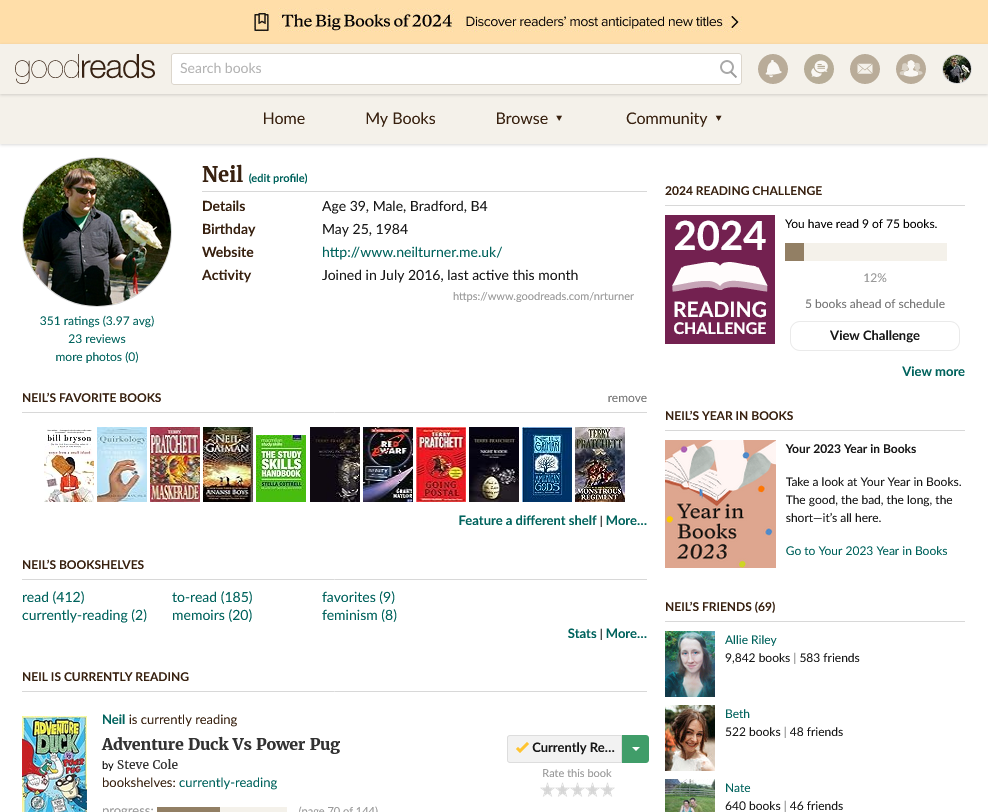
Screenshot of my profile on Goodreads

I probably don’t need to tell you about Goodreads, the social book recommending web site. After all, it’s used by millions of people, including over 50 of my own friends. But I am anyway.

I only recently joined Goodreads – recently being a year ago. For many years I didn’t read books; I didn’t have the time or the inclination to do so. But since restarting my Audible subscription last year, I’ve become more interested in books again. The advantage of an audiobook is that you can listen to it whilst doing something else, such as housework or commuting. This gets around the issue of not having time to sit down and read.

Goodreads became a good way to catalogue the books that I’ve read, and find new books to read. As you read and review books, Goodreads can recommend other titles similar to those that you’ve read. You can also see what your friends are reading, and what they thought of the books they’ve finished.

Goodreads integrates well with Facebook, and so you can see what your friends are reading without having to add them as friends separately. Friends can also be imported from Twitter.

Whilst originally independent, Amazon purchased Goodreads in 2013. Consequently, you can link up your Amazon account, and this allows you to import your previous Amazon book purchases. This is quite helpful if you’re new to the site, as it allows you to import your books in bulk.

As you’d expect, there’s also an app for iOS and Android devices. This includes a barcode scanner for adding books to your lists.

You can find my profile here. If you know me, feel free to add me as a friend if you haven’t done so already. I’ll continue to review books on here from time to time – right now, I’m listening to The Long Earth (sponsored link) by Terry Pratchett and Stephen Baxter.

Purchasing a video streaming box

Raspberry Pi

I’m planning to purchase a video streaming box – i.e. a thing that you plug into your TV to watch streaming video services. Now that we have Netflix I’d like to be able to watch films and TV shows on our TV, without having to run them through my Mac (which is also connected to the TV).

Things I’ve already tried

Last year I bought a Raspberry Pi, and for a while I used that to watch BBC iPlayer, but it’s not a great experience. It’s a bit slow and as I had XBian on a different SD card to everything else I had to shut it down, swap the cards and reboot it. The BBC iPlayer interface in XBMC leaves a lot to be desired, plus I’d been using a smartphone app as a remote which is a bit clunky.

Our Freesat box and Blu-Ray players also technically support BBC iPlayer, and the latter also supports YouTube, but they’re so fiddly and slow that they’re not worth using. In particular the remote control for our Toshiba Blu-Ray player is awful – it’s often unresponsive and the buttons are confusing.

Comparing video streaming boxes

A couple of weeks’ ago Pocket Lint did a good review of several boxes available in the UK. They looked at the Apple TV, Roku, Roku Streaming Stick, Sky Now TV, Google Chromecast, WDTV Play, Amazon Fire TV (not currently available in the UK), plus a couple of less-known Android-based boxes.

As much as I like Apple, the Apple TV is out of the question. It’s one of the most expensive boxes on the market, at £99, and doesn’t support many UK streaming services – iPlayer and 4oD are missing, for example. Though Apple does add new channels from time to time, there’s no schedule and no way of adding custom apps without jailbreaking. Apple really needs to consider creating an app store for the Apple TV if it’s going to be more than a niche product.

I also think that the Google Chromecast is a bit too basic. It’s useless without a smartphone or tablet, but it is cheap. And the WDTV Play, as you’d expect from a company like Western Digital, is more about playing content that you already have on your own hard disks, although Netflix is supported.

Sky’s Now TV box is by far the cheapest at £10, and is basically a re-branded Roku box, but without the ability to (easily) add other apps. Indeed, there’s no Netflix because it competes with Now TV, but it does offer the main British streaming services like iPlayer and 4oD. And Amazon’s Fire TV box is US-only at present.

Rockin’ the Roku

So that basically leaves the Roku devices. They support the largest range of streaming services, including all the big British ones. The only notable omission is Amazon Instant Video, which we don’t subscribe to. And you can easily add extra services with custom apps if needed.

The Roku 3 offers more features, such as both ethernet and wifi (and not just the latter), as well as a remote control that can be used with headphones. But it’s larger and needs its own power supply. The Roku Streaming Stick, though less powerful, can run from a USB port and can be hidden away behind your TV. It’s also significantly cheaper at £50, versus £100 for the Roku 3.

So, it looks like I’ll be buying a Roku Streaming Stick soon. In my opinion it offers the best platform support and the best value for money.

Joining Netflix

A screenshot of the Netflix home page when logged in

Christine and I decided to sign up for Netflix last week. I’d been pondering it for a while but we decided that the price (£6 per month) was worth it considering the number of TV shows on offer. Unlike in the US, Netflix in Britain is online streaming only.

We’ve previously had a DVD rental by post subscription – originally with Amazon, which then got taken over by Lovefilm, and is now back in with Amazon again. That was £3 per month but we were barely using it. We were mainly renting films, and whilst we often have a spare half hour or so for a TV show it’s harder to find time on an evening for a film lasting two hours or more.

Amazon’s takeover of Lovefilm also meant that it was a lot easier to cancel. I almost cancelled Lovefilm a couple of years ago, but whilst on the phone I got talked into taking a cheaper package. Now Amazon just let you cancel in a rather nonchalant way online. I get the impression that Amazon see the DVD rental by post part of their business as a niche that it doesn’t have much of a future when compared to streaming.

Of course, Amazon has its own Instant Video service which does the same thing as Netflix, but we decided not to sign up; Netflix is available on more devices, and you can access everything on Netflix at no extra cost. Amazon, on the other hand, charge extra for some premium content.

What we’ve watched on Netflix

So far we’ve only watched a few things – in fact, Christine has watched more than me, mainly because I was out quite a bit last week whilst she was at home, on call. We’ve started watching Heroes together, as I never watched it when it was on, and Christine’s not seen all of the episodes. Considering it was shown in 2006, it already looks dated, with big CRT monitors in the background, non-smartphones and it being filmed in standard definition. Christine has also watched Grimm, and… Foster’s Home for Imaginary Friends. Yeah. We’ll get around the watching Orange is the New Black as well at some point, as I hear it’s very good – and a Netflix exclusive.

Netflix’s library extends into the few thousands, although there are some interesting omissions. For example, the second Iron Man film is there, but not the first or the third. Such is the weird world of entertainment rights I suppose. Still, you get a lot for £6 a month, and you can dip in and out of series as you please. And there’s no DVDs to return.

Boycotting Google

Last week, Google’s chairman Eric Schmidt said he was ‘very proud’ that Google was able to avoid paying taxes in overseas markets like the UK. This is at a time when multi-national companies like Google are under fire in the UK for not paying their fare share of taxes, and when public services are being cut because there’s not enough money left from government funds – funds which are raised through taxes. Ergo, if these companies did pay fair taxes, we wouldn’t be so screwed.

Starbucks recently volunteered to pay more tax in the UK after a consumer backlash saw sales at main rival Costa increase by 7%. Similarly, a number of people are avoiding purchasing from Amazon this Christmas because it only paid £1.8 million in corporation tax, despite sales of £3.35 billion.

Frankly, Schmidt’s comments are insulting. The only people who will be pleased by his statement will be Google shareholders and investors; to everyone else, especially in the UK, it’s demeaning. And, unsurprisingly, people are looking to boycott Google as well.

This means things like:

  • Using Mozilla Firefox instead of Google Chrome
  • Switching to Yahoo! Mail or Outlook.com instead of Gmail
  • Uploading videos to Vimeo and photos to Flickr, instead of YouTube and Picasa Web Albums
  • Searching using Bing
  • Sharing on Facebook or Twitter instead of Google+
  • Using an ad-blocker to hide Google’s advertising
  • Storing files in Dropbox or SkyDrive, rather than Google Drive
  • Using maps from Apple or Microsoft

Personally, I’m not going down the route of a boycott, even though I think Schmidt’s attitude is unacceptable. And, in any case, Apple are also guilty of tax avoidance in the UK, as is Facebook, and I’m sure Microsoft probably is as well. Unfortunately Google products are so ingrained in how I use the internet that I’d find it difficult to not use them.

And I think the best way of tackling the problem is to close the loopholes that these companies exploit. Avoiding tax increases profits; for some companies, this would be a no-brainer and has, until recently, not really attracted attention. Of course, times have changed and now these companies have the negative image that tax avoidance brings to counter; Starbucks have found that this was to their detriment and I hope that Google will follow.

Disclaimer: This site carries advertising via Google and Amazon.