
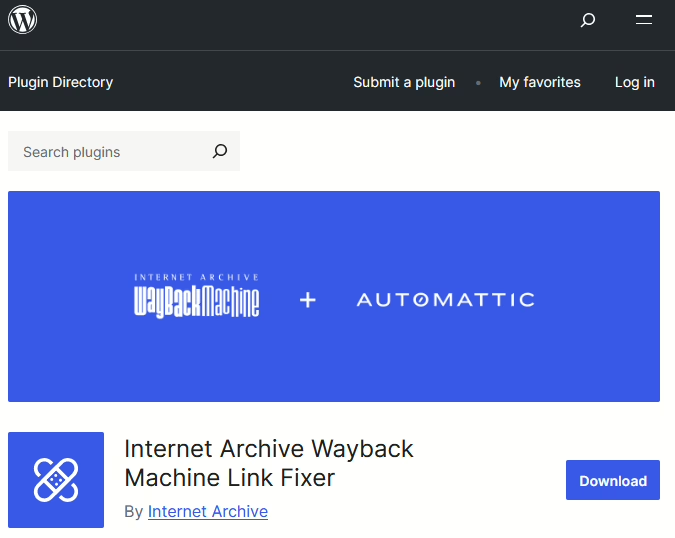
Link rot is a major problem for long-established web sites that link to other sites. It’s a particular problem for blogs – the word ‘blog’ is, after all, a shortened form of ‘web log’ and the original blogs were links to interesting things the blogger writing it had found.
I’ve been blogging since 2002, and in that almost one quarter century, lots of the things I’ve linked to have gone missing. Companies close, web sites change and decide not to preserve their URLs, or are sold on to new owners. As such, many older sites are full of links that no longer point to anywhere useful.
This is where the Internet Archive Wayback Machine Link Fixer plugin for WordPress comes in. Once installed, it pro-actively scans outgoing links from your blog posts on a regular basis. If any no longer work, then, where possible, the plugin will amend that link to point a cached version of that link on the Internet Archive’s Wayback Machine. That way, people following the link will still get to see something, rather than a dead link. It’s an official plugin from the Internet Archive that has been developed with support from Automattic.
Backup to the Wayback Machine
But that’s not all! Once installed, you can opt-in to have all of your blog posts automatically backed up to the Wayback Machine. So, if your WordPress blog ever goes dark, all of your posts and pages should be available there for others to find.
Normally, the Wayback Machine uses a crawler which usually scoops up most web pages in time. But it can miss those that may only be online for a short time, or not linked from a web site’s home page. This is a problem I’ve faced myself; I lost all my blog posts in 2018, and over the past three years I’ve been slowly reinstating old posts. Alas, some are missing from the Wayback Machine and are therefore (probably) gone forever. Whilst making sure that the Wayback Machine has copies of your blog posts is a good thing, you should also have your own backups and I now use UpdraftPlus for this.
So, if you’re a WordPress user, and care about preventing link rot and the sharing of information, go and install the plugin. Thanks to Matt for the head’s up, and maybe consider donating to the Internet Archive as well?