
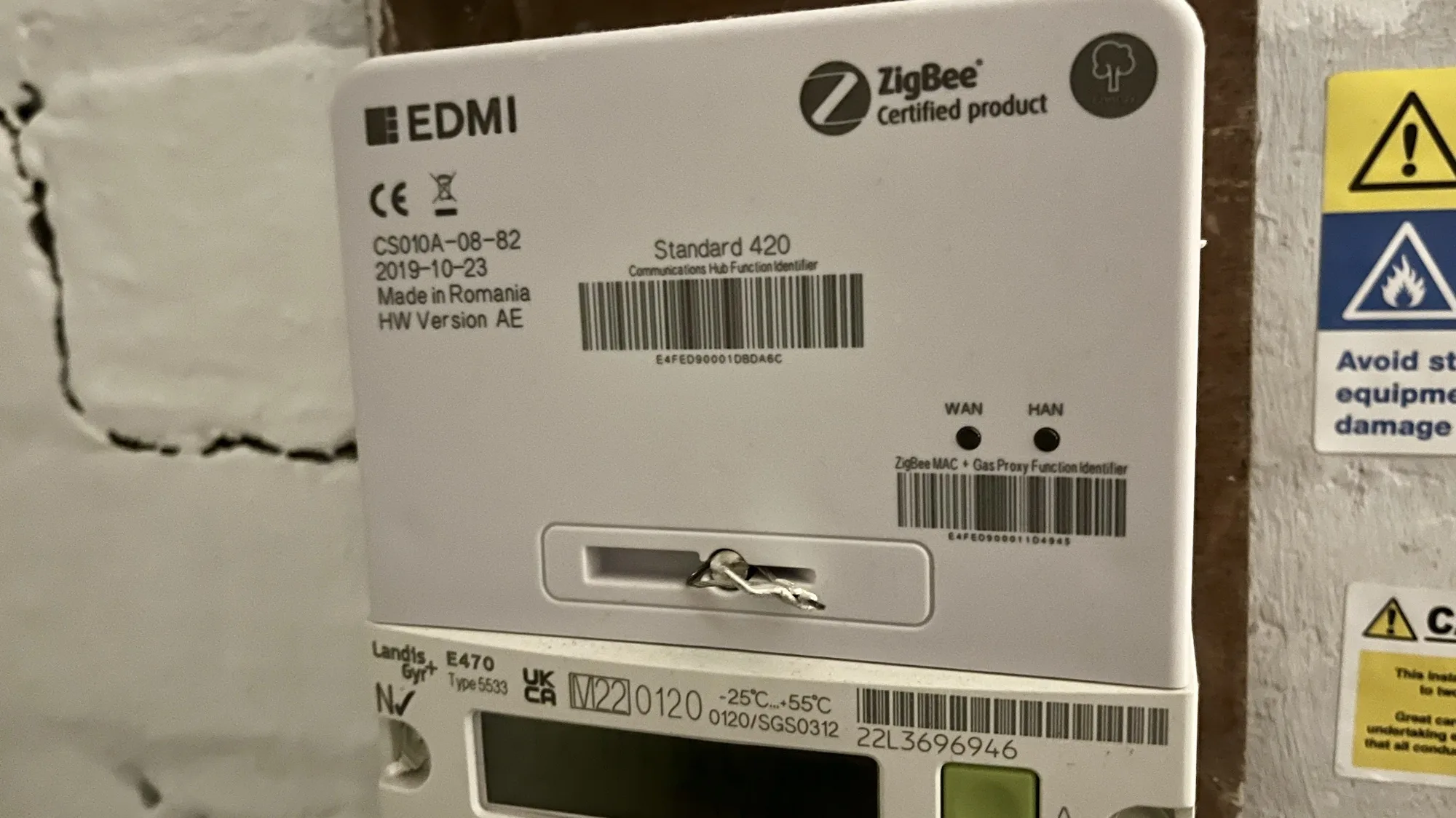
If you’re in the UK, and have a smart meter, then your home probably has a Zigbee network that you may not know about.
What is Zigbee?
Zigbee is a wireless mesh networking protocol, that is commonly used for smart devices. If you have smart lightbulbs, such as the Ikea Trådfri or Philips HUE range (sponsored link), then Zigbee is what these devices use to communicate with their hub.
Zigbee isn’t the same as Wifi. Wifi devices belong to the 802.11 family of IEEE standards, whereas Zigbee is in the 802.15 family . There’s a difference at the hardware level, so a device that supports Wifi can’t use Zigbee unless it has a specialised chipset. However, there is commonality between the two; like Wifi, Zigbee uses IP addresses, and operates on the 2.4 GHz band.
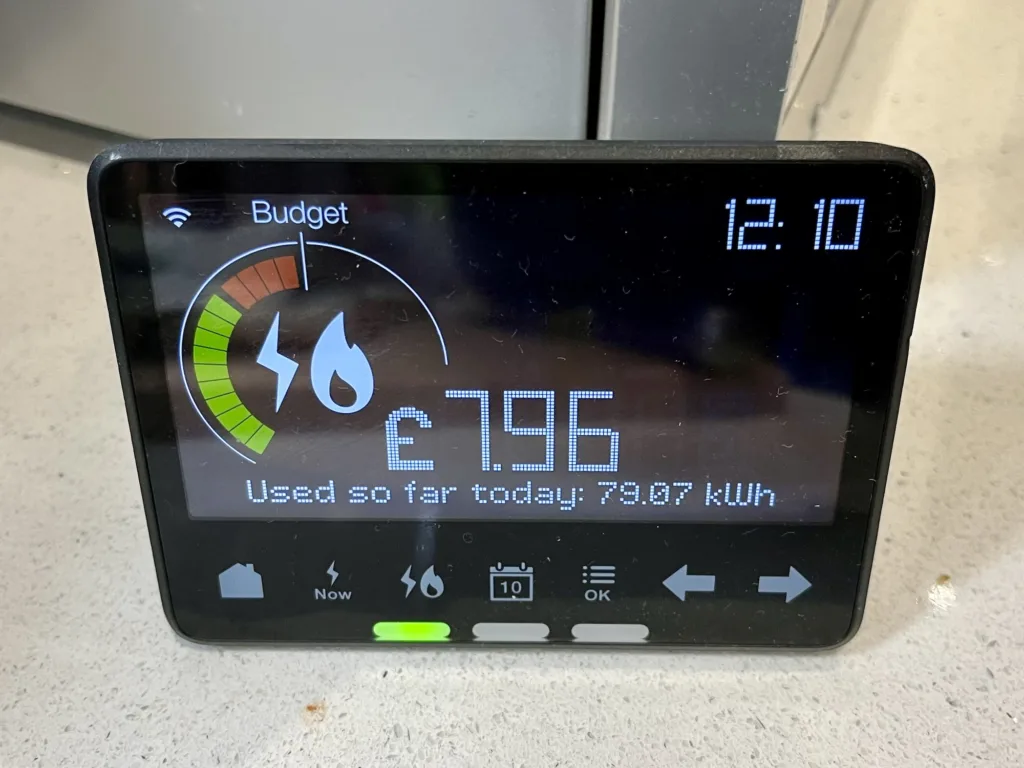
If you have smart meters for your electricity and gas, then these will use Zigbee to communicate with your IHD (In Home Display). This is the small device that shows your current and daily usage.
Can you access this Zigbee network?
No. Even if you have a device with Home Assistant and a Zigbee dongle, it won’t be able to see the Zigbee network that your meters and IHD use. I suspect this is because your electricity meter has its own SIM card, to access the internet to send your readings. If you could access this Zigbee network, then it may use your electricity meter’s internet connection and not your own.
Update (January 2025): Depending on where you live, your smart meter may not actually have a SIM card. If you live in Wales, or central and southern England, then it will have a SIM card and will send your data using 2G or 3G internet services on O2’s network. However, if you live in Scotland or the north of England, as in north of the M62 corridor, then your smart meter will send data on the 400MHz band. This offers lower bandwidth, but higher range, and more likely to penetrate the insides of houses in remote areas. We have the latter type of smart meter, as we live just north of the house in the middle of the M62.
There are, however, some devices that will bridge between this Zigbee network and your own Wifi network at home. Some newer IHD devices offer this, and if you’re an Octopus Energy customer, you can join the waiting list for the Octopus Home Mini. I joined the waiting list a few months ago, but I haven’t heard anything yet. Meanwhile, you can also buy a Glow CAD (Consumer Access Device) for £65, which can connect to Home Assistant. Alas, it’s out of stock at the time of writing.
Another option for Octopus Energy customers is this Home Assistant addon, which brings in your usage data. However, it updates half hourly unless you already have an Octopus Home Mini.
Other ‘secret’ networks in your home
In our home, we also have a couple of Thread networks. Thread is related to Zigbee in that it’s also in the 802.15 family, and is arguably a successor. Nest developed it to enable their smart thermostats to talk wirelessly to the heat link that connects to your boiler, so this makes one network. Newer Nest thermostats can act as a Thread Border Router and so other devices using Matter can connect to it, but we have an older model.
We also have a pair of Google Nest Wifi devices (a hub and a point) which use Thread to communicate with each other. Google has updated these to offer a Thread Border Router, and so I’ve been able to access this with Home Assistant, ready for when we have some Matter compatible devices. So at least I can access one of the three non-wifi networks in my home.
Further reading
Whilst researching this, I came across this Hacking Your Smart Meter (Part 1) article, although there doesn’t appear to be a part 2. Instead, the author, Terence Eden, uses an API from his energy company as above.
The Smart Meter Home Area Network is also a really useful article, on what is quite a well balanced web site about the various pros and cons of having a smart meter. Because we export excess energy from our solar panels, we need to have a smart meter to be paid back for what we export.

